JeepParts
My Garage
My Account
Cart
Battery
2000 Jeep Grand Cherokee Battery Sensor, Battery Cable
Currently shopping for
2000 Jeep Grand Cherokee
Change VehicleCategories Close X
Currently selected
Charging & Starting
Other Categories
A/C & Heating
Air & Fuel Delivery
Belts & Cooling
Body & Hardware
Brakes
Driveline & Axles
Electrical
Emission Control & Exhaust
Engine
Headlights & Lighting
Interior & Exterior Trim
Maintenance & Lubrication
Steering
Suspension
Transmission
How to use OE catalog
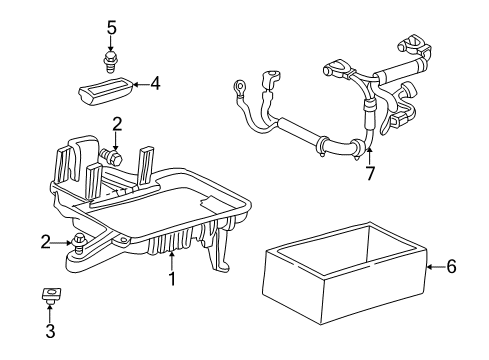
Diagram (1 of 1): Electrical - Battery
Sort by:
Ref No.
Ref No.
Part No. & Part Description
Price & Qty.
Part No. &
Part Description
Part Description
- 1
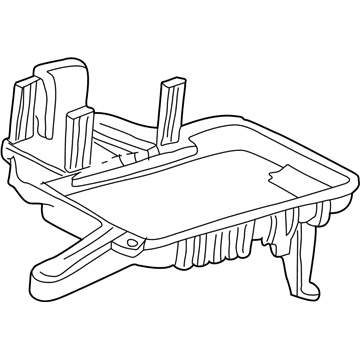 MSRP: $19.25 Your Price: $13.40
- 2
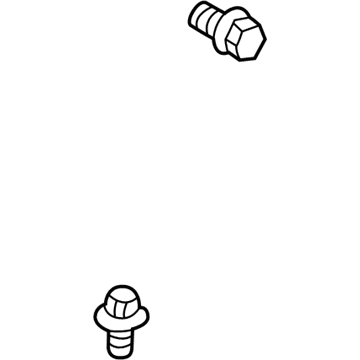
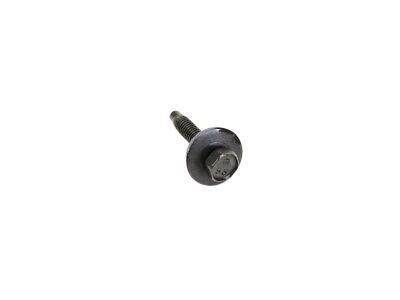 MSRP: $9.30 Your Price: $6.441
- 3

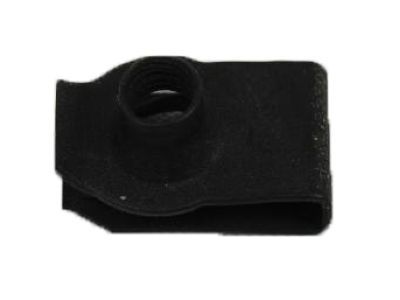
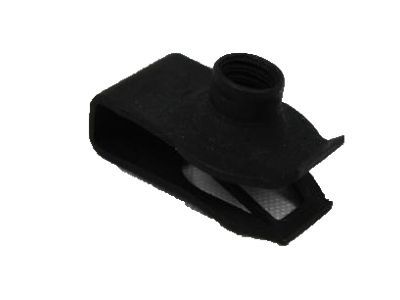
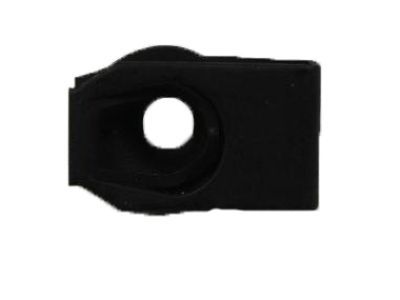
- 4
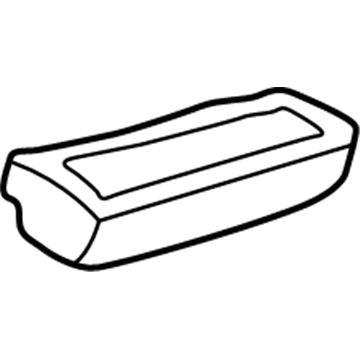
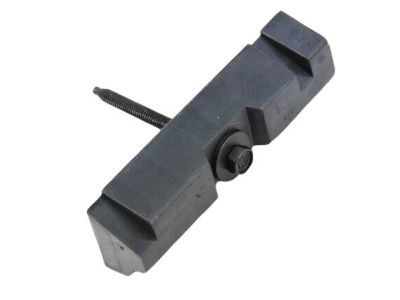
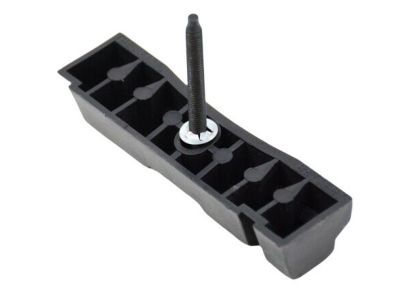 MSRP: $42.25 Your Price: $29.351
- 5

- 6
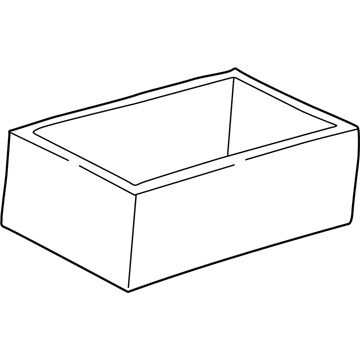
- 7
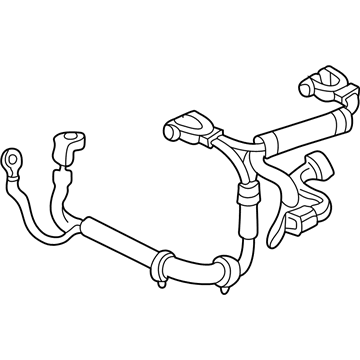
- 7
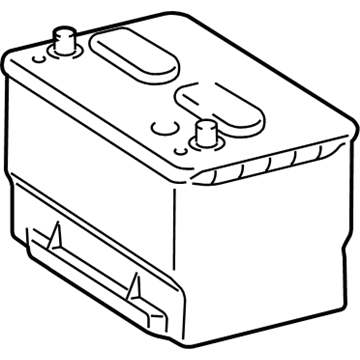 MSRP: $302.00 Your Price: $205.07
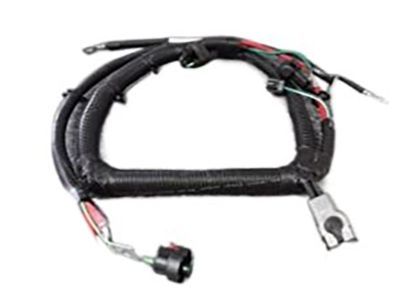 56038421AC
Wiring - Alternator And BatteryCable Assembly- Part Notes: Grand Cherokee; 4.0L
- Replaced By: 56038421AF
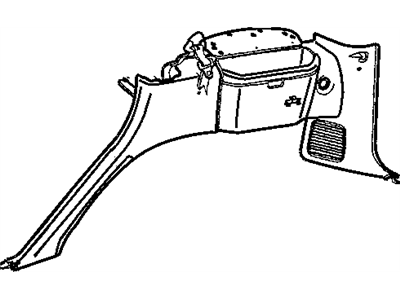
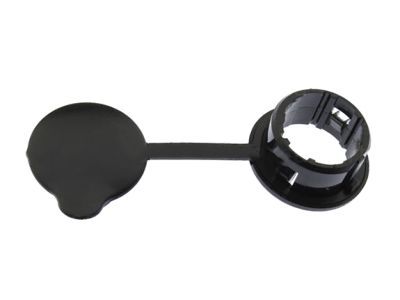 MSRP: $11.90 Your Price: $8.12
 MSRP: $42.25 Your Price: $29.35
OEM 2000 Jeep Grand Cherokee Parts for Battery
Authentic OEM Jeep components offer both excellent performance and a long service life. These genuine 2000 Jeep Grand Cherokee parts are made of high quality materials to ensure they are as durable and strong as possible. The suitable option for vehicle maintenance, they are easy to install as per the instructions of the factory. To get new OE Battery parts, select JeepPartsDeal.com. We offer authentic OEM 2000 Jeep Grand Cherokee Battery Sensor, Battery Cable with manufacturer warranties, fair prices, a simple return policy and fast shipping.
Battery Cable Installation and Repair Tips for 2000 Jeep Grand Cherokee
- Q:How Are Battery Cables Serviced and Replaced in a Wire Harness on 2000 Jeep Grand Cherokee?A:In order to replace damaged battery cables, turn off the ignition and disconnect the negative and the positive cables. Remove battery wire harness from engine compartment then clean and inspect terminals. Reinstall the harness, reconnect cables and secure all connections, greasing terminals.