JeepParts
My Garage
My Account
Cart
Sound System
2007 Dodge Dakota Car Speakers
Currently shopping for
2007 Dodge Dakota
Change VehicleCategories Close X
Currently selected
Body & Hardware
- Back Panel
- Bumper & Components - Front
- Bumper & Components - Rear
- Cab Cowl
- Center Console
- Cluster & Switches
- Dash Panel Components
- Door & Components
- Fender & Components
- Floor
- Frame & Components
- Front & Side Panels
- Front Door
- Front Door - Lock & Hardware
- Front Seat Components
- Glass - Door
- Glass - Windshield
- Glass & Hardware - Back Glass
- Glove Box
- Grille & Components
- Hood & Components
- Information Labels
- Instrument Panel
- Mirrors
- Outside Mirrors
- Overhead Console
- Radiator Support
- Rear Door
- Rear Door - Lock & Hardware
- Rear Seat Components
- Roof & Components
- Seat Belt
- Sound System
- Spare Tire Carrier
- Sunroof
- Tail Gate
- Trailer Hitch Components
- Uniside
- Wiper & Washer Components
Other Categories
A/C & Heating
Air & Fuel Delivery
Belts & Cooling
Brakes
Charging & Starting
Driveline & Axles
Electrical
Emission Control & Exhaust
Engine
Headlights & Lighting
Interior & Exterior Trim
Maintenance & Lubrication
Steering
Suspension
Transmission
How to use OE catalog
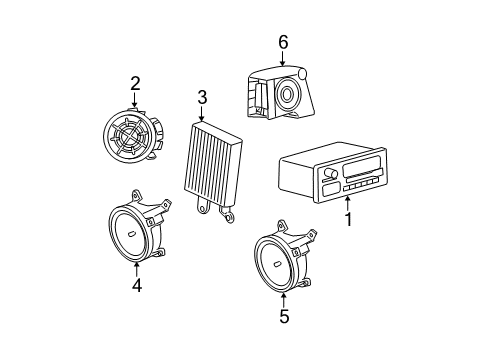
Diagram (1 of 1): Instrument Panel - Sound System
Sort by:
Ref No.
Ref No.
Part No. & Part Description
Price & Qty.
Part No. &
Part Description
Part Description
- 1
- 2
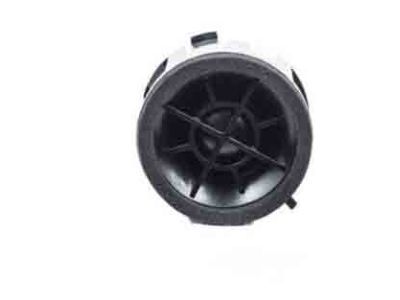
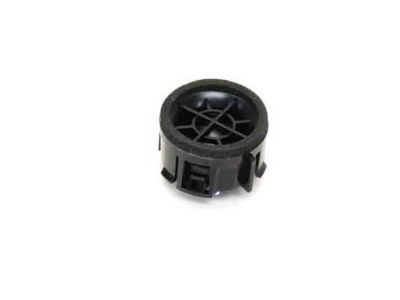
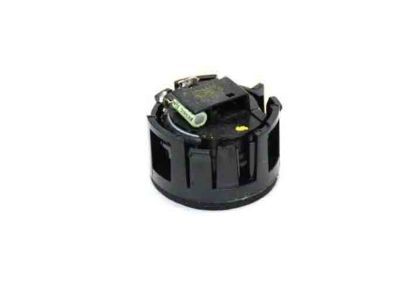
- 3
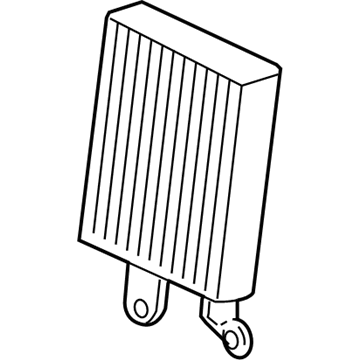
- 4
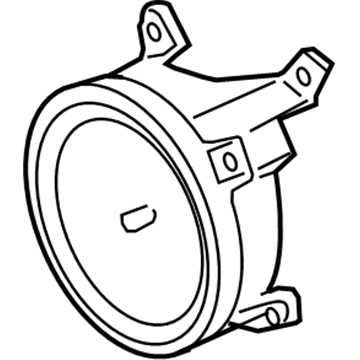 56040856AC
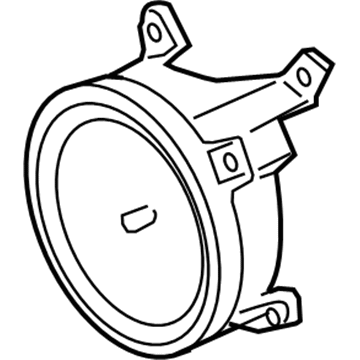
Speaker HFront Driver Speaker- Part Notes: With Mount Housing
- Location: Driver Side;Passenger Side
MSRP: $14.80 Your Price: $12.891 - 4
- 5
- 5
- 5
- 6
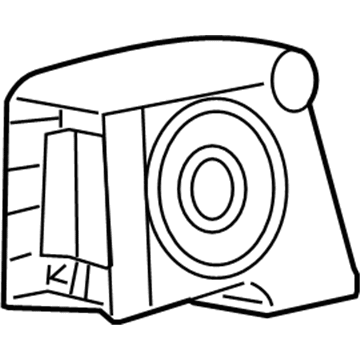 5KB681PAAJ
Speaker H - RearRear Driver Speaker- Part Notes: Lower, Club Cab
- Location: Driver Side;Passenger Side
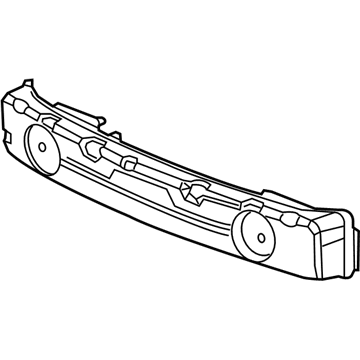
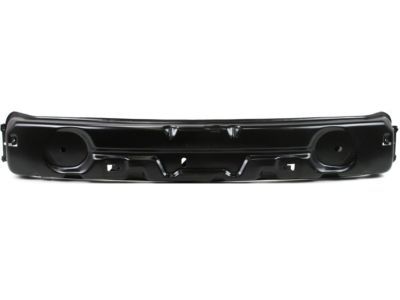
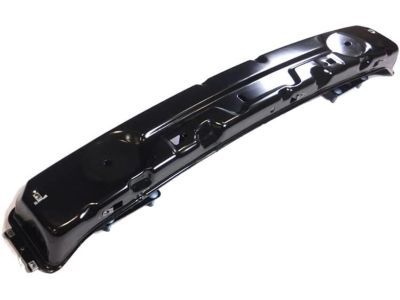
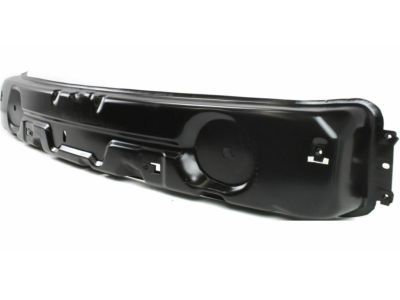
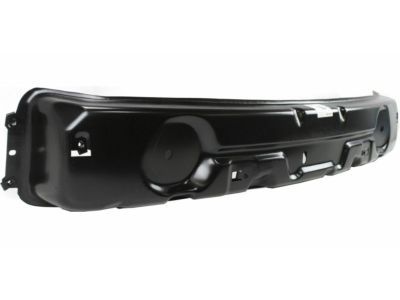 55077648AD
SUPPORT Front Fascia- Fitting Vehicle Options: 1 - Lt. Duty DODGE 2WD, 33 - CLUB\QUAD CAB 4-DR 6.5 FT BOX, 5 - Lt. Duty DODGE 4WD, 84 - QUAD CAB
- Replaced By: 55077648AG
MSRP: $478.00 Your Price: $324.04
OEM 2007 Dodge Dakota Parts for Sound System
Authentic OEM Dodge components offer both excellent performance and a long service life. These genuine 2007 Dodge Dakota parts are made of high quality materials to ensure they are as durable and strong as possible. The suitable option for vehicle maintenance, they are easy to install as per the instructions of the factory. To get new OE Sound System parts, select JeepPartsDeal.com. We offer authentic OEM 2007 Dodge Dakota Car Speakers with manufacturer warranties, fair prices, a simple return policy and fast shipping.
Car Speakers Installation and Repair Tips for 2007 Dodge Dakota
- Q:How to Install Car Speakers in the Front and Rear Doors, Including Tweeters and Club Cab Speakers on 2007 Dodge Dakota?A:To install speakers, connect the electrical harness, locate the speaker, tighten the fasteners, and install the trim panel. This is for the front door speaker, rear door speaker, front door tweeter, and rear club cab speaker, and then connecting the battery negative cable.