JeepParts
My Garage
My Account
Cart
Air Bag Components
2008 Dodge Avenger Clock Spring, Airbag, Air Bag Control Module, Air Bag Sensor
Currently shopping for
2008 Dodge Avenger
Change VehicleCategories Close X
Currently selected
Electrical
- ABS Components
- Air Bag Components
- Alarm System
- Antenna & Radio
- Anti-Theft Components
- Automatic Transaxle
- Cruise Control System
- Entertainment System Components
- Front Seat Belts
- Fuse & Relay
- Heated Seats
- Horn
- Ignition System
- Instruments & Gauges
- Keyless Entry Components
- Power Seats
- Rear Seat Belts
- Senders
- Supplemental Restraint System
- Switches
- Tire Pressure Monitoring
- Wipers
Other Categories
A/C & Heating
Air & Fuel Delivery
Belts & Cooling
Body & Hardware
Brakes
Charging & Starting
Driveline & Axles
Emission Control & Exhaust
Engine
Headlights & Lighting
Interior & Exterior Trim
Maintenance & Lubrication
Steering
Suspension
Transmission
Categories Close X
How to use OE catalog
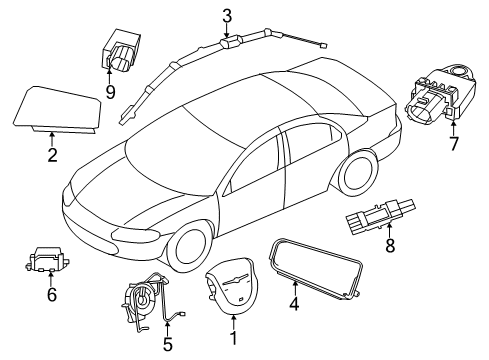
Diagram (1 of 1): Restraint Systems - Air Bag Components
Sort by:
Ref No.
Ref No.
Part No. & Part Description
Price & Qty.
Part No. &
Part Description
Part Description
- 1
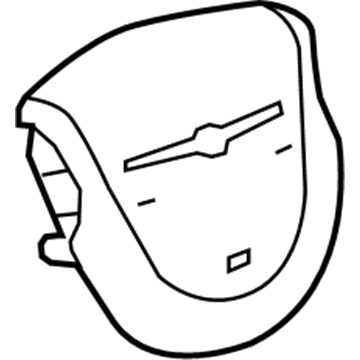 MSRP: $1025.00 Your Price: $701.891
 - 1MSRP: $1045.00 Your Price: $714.481
- 11AS631J8AG
Air Bag - DriverDriver Air Bag- Part Notes: With Silver Accent, Khaki;Without Silver Accent, Khaki
MSRP: $970.00 Your Price: $666.391 - 1MSRP: $30.40 Your Price: $21.111
- 2
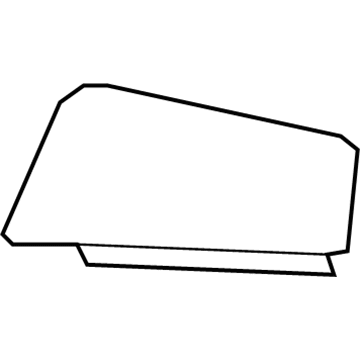 MSRP: $892.00 Your Price: $612.581
- 3
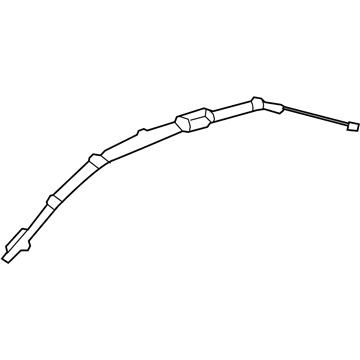 MSRP: $1345.00 Your Price: $919.441
 - 3MSRP: $1160.00 Your Price: $794.631
- 4
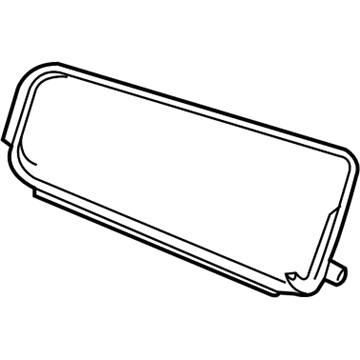
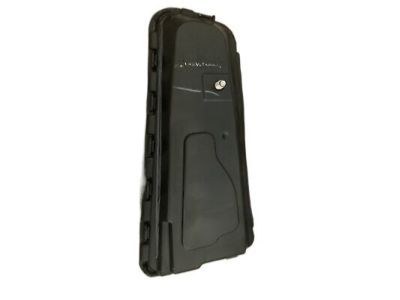 MSRP: $469.00 Your Price: $318.371
- 5
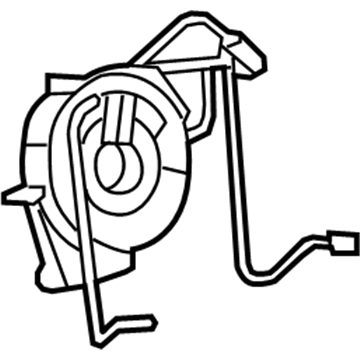
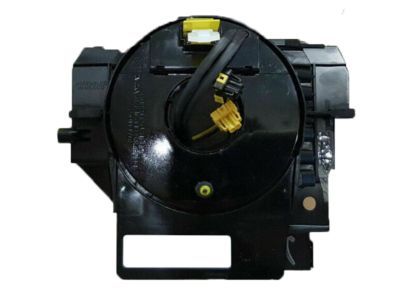
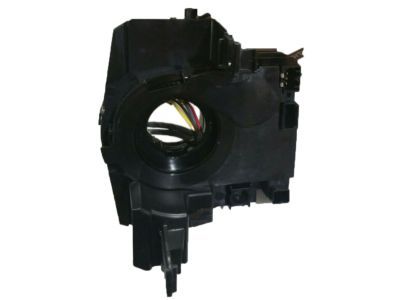
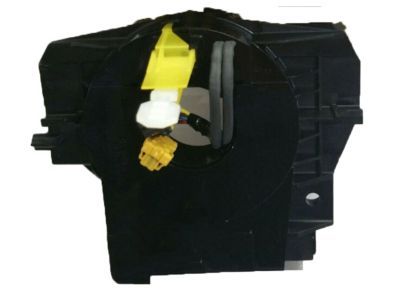 5156106AG
Clockspring - Steering Column Control ModClockspring- Part Notes: Without Fog Lamp, Without Stability Cntrl
MSRP: $769.00 Your Price: $527.851 - 55156138AC
Clockspring - Steering Column Control ModClockspring- Part Notes: With Fog Lamps, With Stability Cntrl
- 5
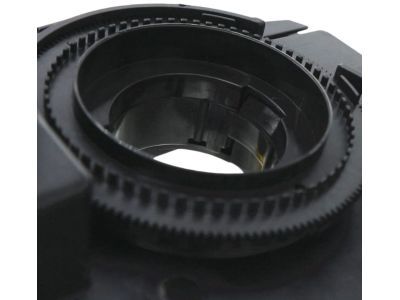
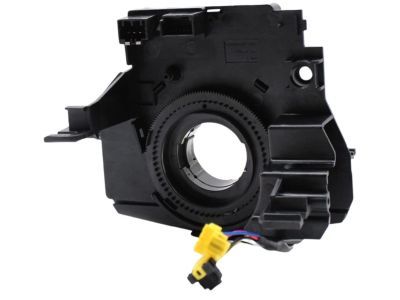
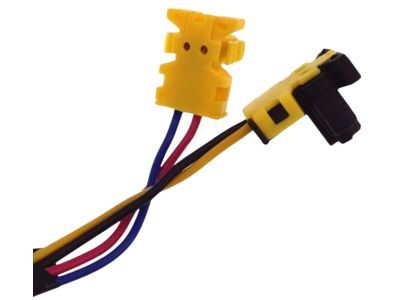
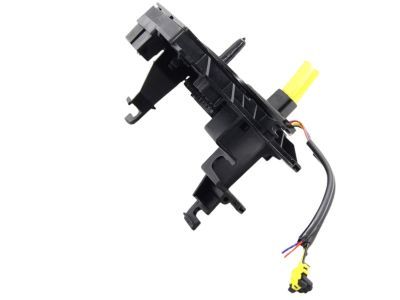 68003217AF
Clockspring - Steering Column Control ModClockspring- Part Notes: With Fog Lamps, With Autolamp;With Fog Lamps, Without Stability Cntrl
MSRP: $356.00 Your Price: $241.331
- 6
 MSRP: $120.00 Your Price: $16.591
- 7
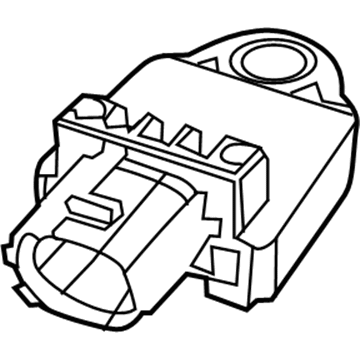
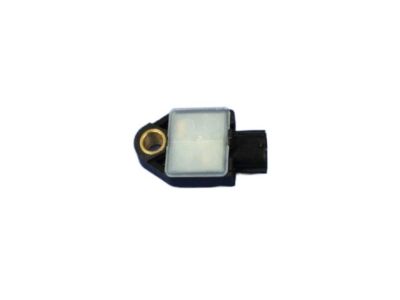
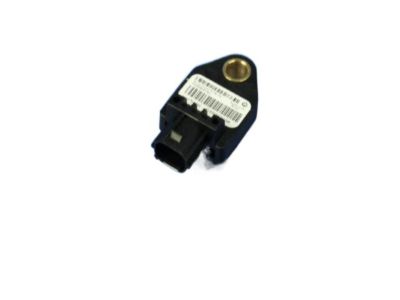 MSRP: $124.00 Your Price: $82.511
- 8
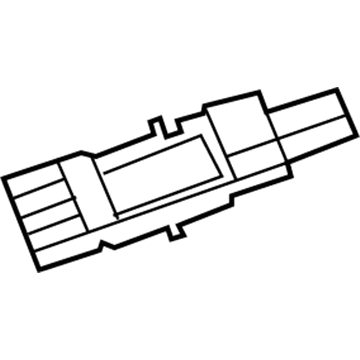 MSRP: $124.00 Your Price: $82.511
 - 84896065AB
Sensor - ImpactSide Impact Sensor- Part Notes: Center Pillar
- Location: Driver Side;Passenger Side
MSRP: $282.00 Your Price: $194.091
- 9
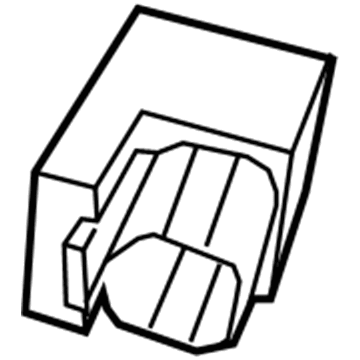 MSRP: $39.25 Your Price: $26.731
OEM 2008 Dodge Avenger Parts for Air Bag Components
Authentic OEM Dodge components offer both excellent performance and a long service life. These genuine 2008 Dodge Avenger parts are made of high quality materials to ensure they are as durable and strong as possible. The suitable option for vehicle maintenance, they are easy to install as per the instructions of the factory. To get new OE Air Bag Components parts, select JeepPartsDeal.com. We offer authentic OEM 2008 Dodge Avenger Clock Spring, Airbag, Air Bag Control Module, Air Bag Sensor with manufacturer warranties, fair prices, a simple return policy and fast shipping.
Air Bag Sensor, Airbag, Clock Spring Installation and Repair Tips for 2008 Dodge Avenger
- Q:How to Service the Air Bag Sensor for Front Impact on 2008 Dodge Avenger?A:To service the front impact sensor, remove the battery negative cable and wait 2 minutes for the capacitor to discharge. Remove the screw holding the sensor to the radiator support, disconnect the electrical connector and then remove the front impact sensor from the engine compartment.
- Q:How to Remove and Replace a Clock Spring Assembly on 2008 Dodge Avenger?A:To change the Clock Spring assembly, turn off the supplemental restraint system by taking out the battery negative cable. Install a pre-centered replacement Clock Spring, and hold on to the locking pin until a steering wheel has been installed. Make sure that the Clock Spring is correctly assembled and screwed on before the steering wheel is installed again, and the battery reconnected.
- Q:How Should an Airbag Be Properly Installed in a Seat on 2008 Dodge Avenger?A:Install the seat air bag into the nylon pouch of the front seat back trim cover before attaching it to the seat frame. Secure the air bag, reconnect the harness, and reinstall all trim. Do not connect the battery negative cable until the system test is completed to avoid serious injury.