JeepParts
My Garage
My Account
Cart
OEM 2006 Chrysler Sebring Wheel Bearing
Hub Bearing- Select Vehicle by Model
- Select Vehicle by VIN
Select Vehicle by Model
orMake
Model
Year
Select Vehicle by VIN
For the most accurate results, select vehicle by your VIN (Vehicle Identification Number).
1 Wheel Bearing found
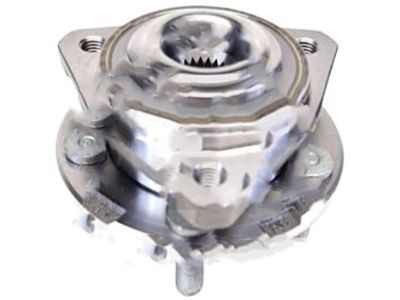
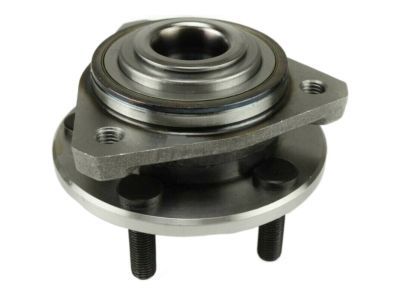
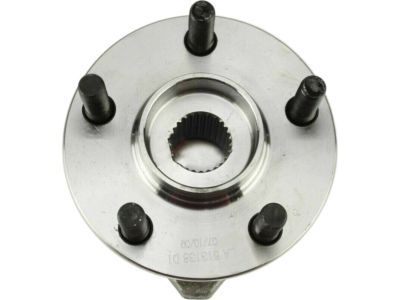
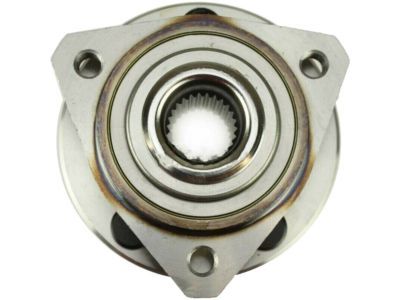
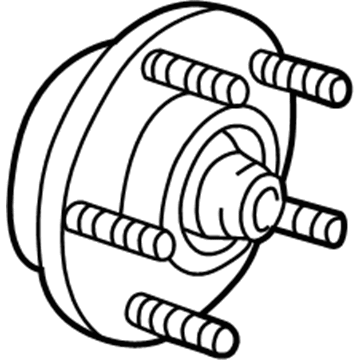
2006 Chrysler Sebring Hub & Bearing, Front Part Number: 4578144AB
$248.54 MSRP: $318.00You Save: $69.46 (22%)Ships in 1-2 Business DaysProduct Specifications- Other Name: Bearing - Brake; Front Wheel Bearing and Hub Assembly; Wheel Hub Repair Kit; Axle Bearing.; Hub Assembly; Front Hub & Bearing; Front Hub; Hub And Bearing Brake; Wheel Bearing and Hub Assembly; Wheel Bearing
- Position: Front
- Replaces: 4593462AA, 4578144AA
- Item Weight: 6.70 Pounds
- Item Dimensions: 7.4 x 7.2 x 6.3 inches
- Condition: New
- Fitment Type: Direct Replacement
- SKU: 4578144AB
- Warranty: This genuine part is guaranteed by Mopar's factory warranty.
2006 Chrysler Sebring Wheel Bearing Parts and Q&A
- Q: How to Service and Repair a Wheel Bearing in the Front Suspension Hub on 2006 Chrysler Sebring?A: First, lift the vehicle, remove the front wheels and check that the hub nut is not loose to protect the bearing. Loosen the hub nut with the brakes still applied, after which you remove the caliper, adapter, shoes and rotor. If the car has antilock brakes, separate the bolt fastening the wheel speed sensor cable bracket to the steering knuckle. Then, take off the nut from the top ball joint stud and place Puller, Special Tool, C-3894-A over it to pull the stud away from the steering knuckle, making sure to not damage the driveshaft inner C/V joint. Keep the driveshaft in place and then remove the steering knuckle (hub and bearing from the rear of the outer C/V joint by tilting the top of the knuckle outward and sliding the joing outward. Use a wire hanger or cord to support the outer end of the driveshaft, remove the three attachment bolts from the hub and bearing and take out the whole assembly if you need to-use a soft-faced hammer to help. To fix the part on, ensure the mounting surfaces are clean, attach the hub and bearing assembly in position, ensure bolt holes align and fasten it using three bolts set to 110 Nm (80 ft. lbs.) torque. Slide the outer C/V drive shaft into place in the front hub and bearing assembly, then connect the steering knuckle onto the upper ball joint by screwing its nut on, with a torque of 88 Nm (65 ft. lbs.). If your car is equipped with antilock brakes, place the wheel speed sensor cable routing bracket and bolt down the mounting bolt until it reaches 12 Nm (105 inch lbs.) torque. Place the brake rotor, caliper, shoes and adapter back in the car and tidy up the outer C/V joint stub axle threads, then secure the hub nut with the vehicle brakes turned on and a 203 Nm (150 ft. lbs.) torque. Fit the wheel and tire assembly, tighten the bolts in groups of two from the center of the wheel, then all the way to 135 Nm (100 ft. lbs.), put the vehicle on the ground and set the front wheel toe to match your settings.
Related 2006 Chrysler Sebring Parts
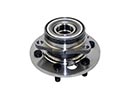 2006 Chrysler Sebring Wheel Hub
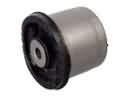 2006 Chrysler Sebring Axle Beam Mount
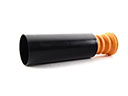 2006 Chrysler Sebring Bump Stop
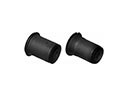 2006 Chrysler Sebring Control Arm Bushing
 2006 Chrysler Sebring Lateral Link
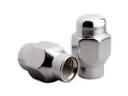 2006 Chrysler Sebring Lug Nuts
 2006 Chrysler Sebring Shock Absorber
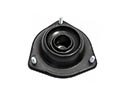 2006 Chrysler Sebring Shock And Strut Mount
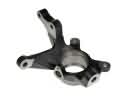 2006 Chrysler Sebring Steering Knuckle
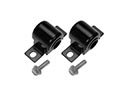 2006 Chrysler Sebring Sway Bar Bushing
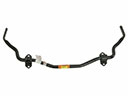 2006 Chrysler Sebring Sway Bar Kit
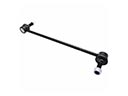 2006 Chrysler Sebring Sway Bar Link