JeepParts
My Garage
My Account
Cart
OEM Dodge Journey Seat Belt
Seat Safety Belt- Select Vehicle by Model
- Select Vehicle by VIN
Select Vehicle by Model
orMake
Model
Year
Select Vehicle by VIN
For the most accurate results, select vehicle by your VIN (Vehicle Identification Number).
63 Seat Belts found
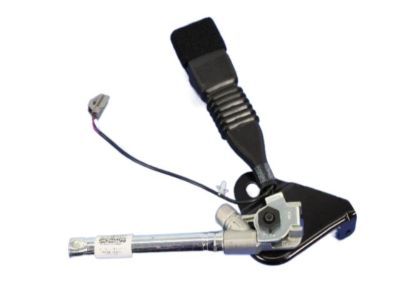
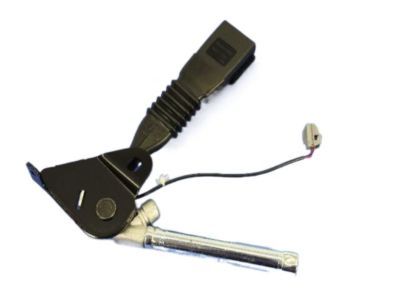
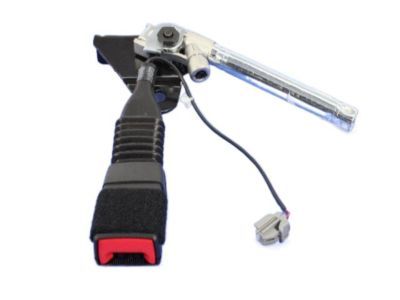
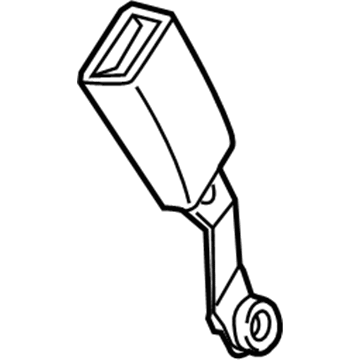
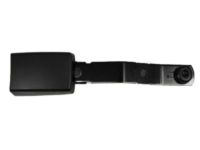
Dodge Journey Buckle End, Black, Front Passenger Side Part Number: 1RM601X9AC
$308.18 MSRP: $454.00You Save: $145.82 (33%)Ships in 1-3 Business Days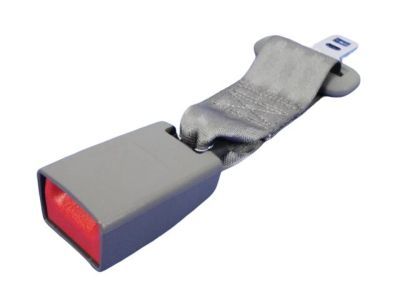
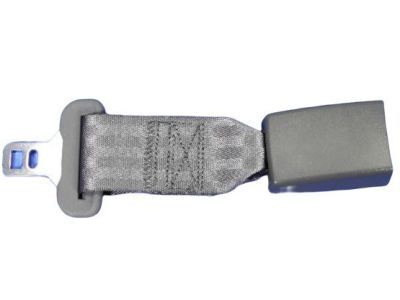
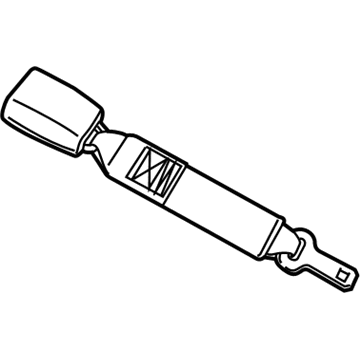
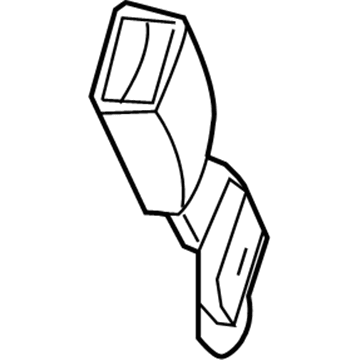
Dodge Journey Extension, Front Part Number: 5179969AA
$71.38 MSRP: $106.00You Save: $34.62 (33%)Ships in 1-3 Business Days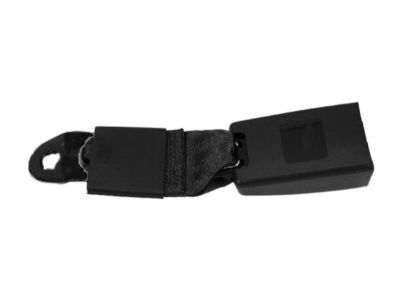
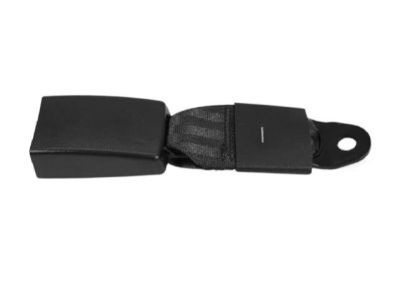
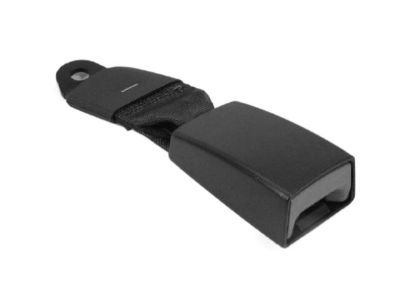
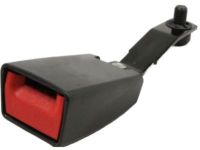
Dodge Journey Inner Buckle, Black, Rear Center Part Number: 1AN361X9AA
$68.69 MSRP: $122.00You Save: $53.31 (44%)Ships in 1-3 Business Days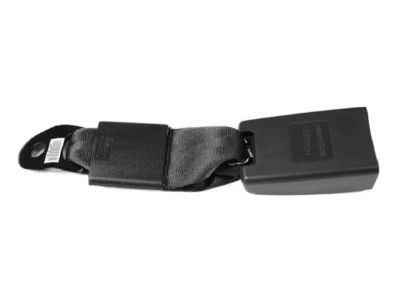
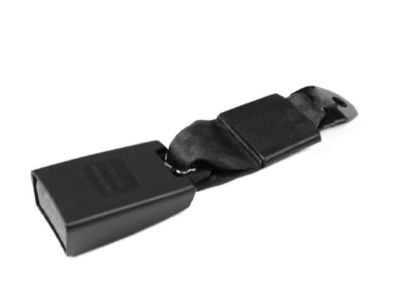
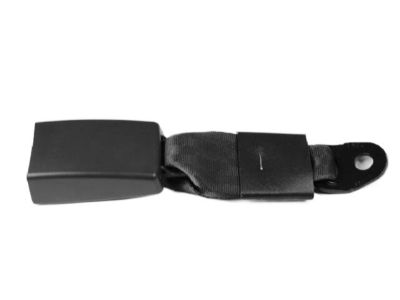
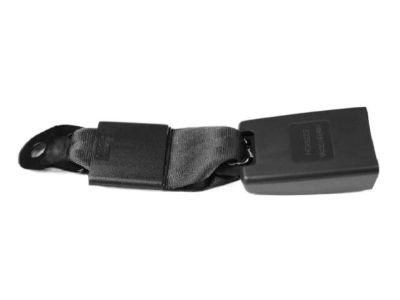
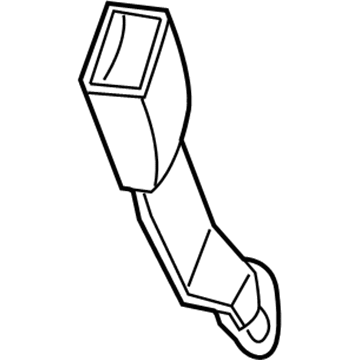
Dodge Journey Outer Buckle, Black, Rear Center Driver Side Part Number: 1AN191X9AA
$93.93 MSRP: $139.00You Save: $45.07 (33%)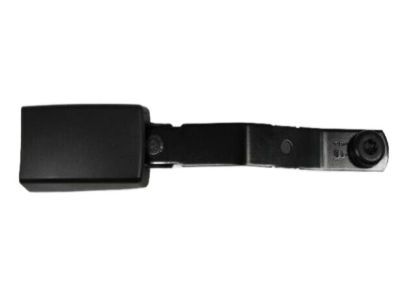
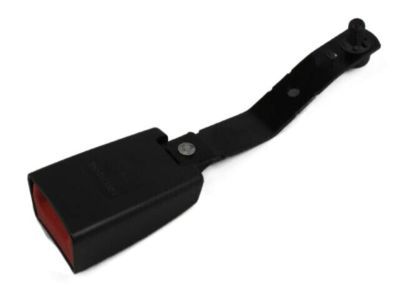
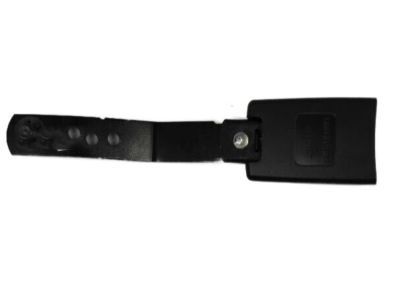
Dodge Journey Buckle End, Gray, Front Driver Side Part Number: 1AN171DVAB
$85.60 MSRP: $127.00You Save: $41.40 (33%)Ships in 1-3 Business Days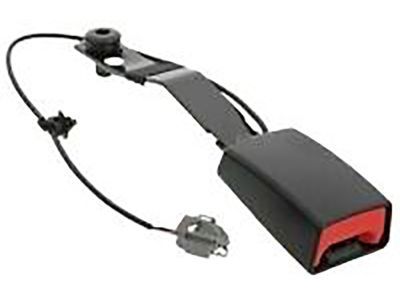
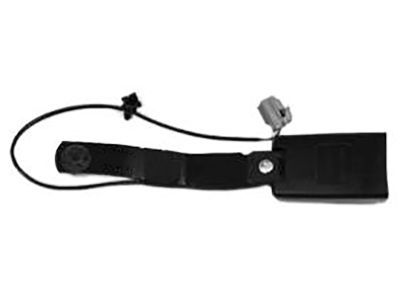
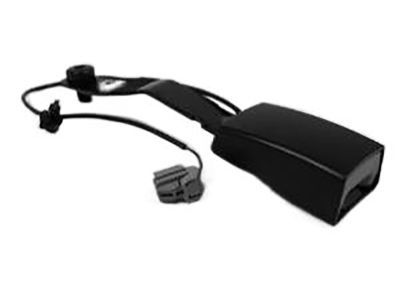
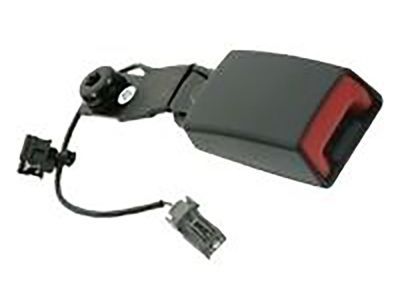
Dodge Journey Buckle End, Gray, Front Driver Side Part Number: 1AN171X5AE
$91.49 MSRP: $135.00You Save: $43.51 (33%)Ships in 1-3 Business Days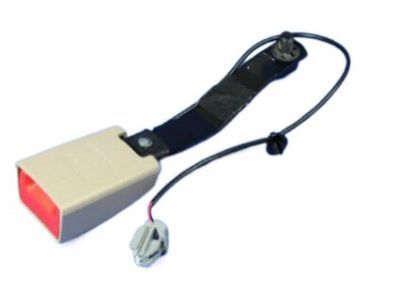
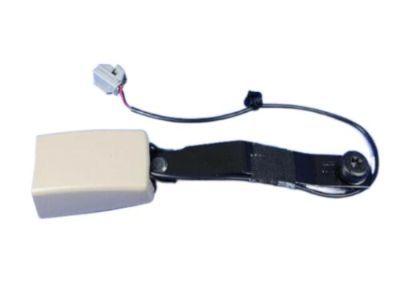
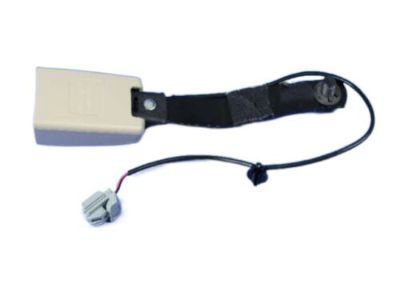
Dodge Journey Buckle End, Beige, Front Driver Side Part Number: 1AN171XLAE
$93.19 MSRP: $138.00You Save: $44.81 (33%)Ships in 1-2 Business Days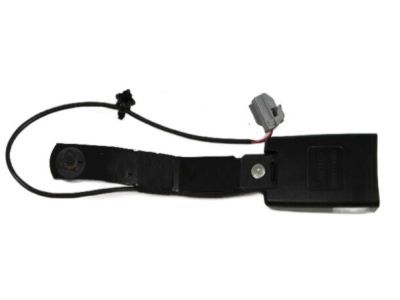
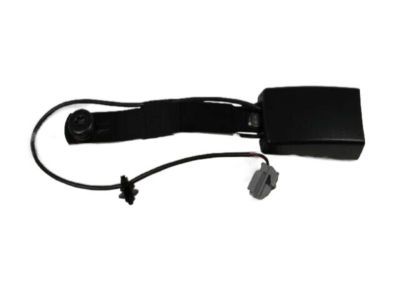
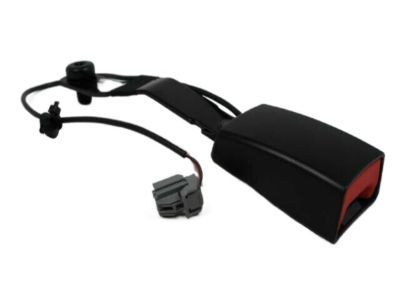
Dodge Journey Buckle End, Black, Front Driver Side Part Number: 1AN171X9AE
$94.83 MSRP: $140.00You Save: $45.17 (33%)Ships in 1-3 Business Days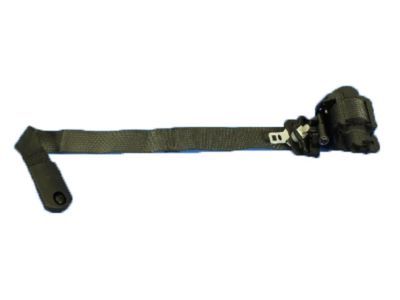
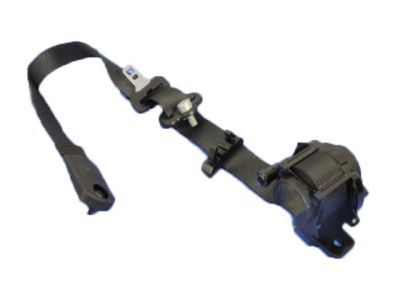
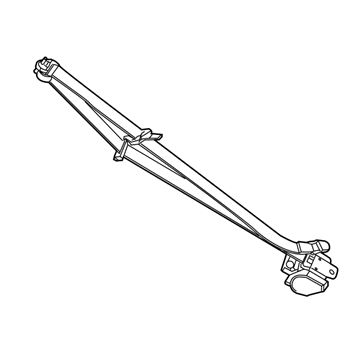
Dodge Journey Lap & Shoulder Belt, Beige/Black, Front Driver Side Part Number: 1SW03DX9AH
$210.74 MSRP: $310.06You Save: $99.32 (33%)Ships in 1-3 Business Days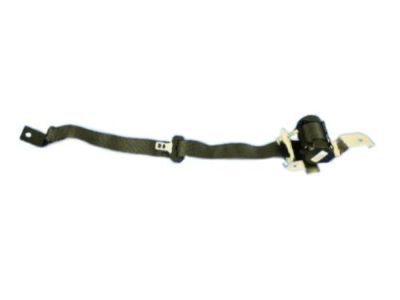
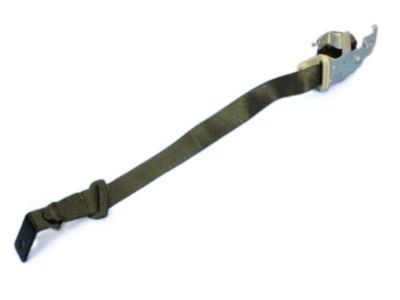
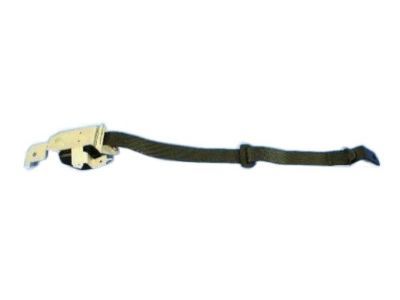
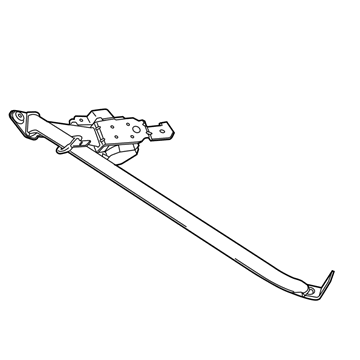
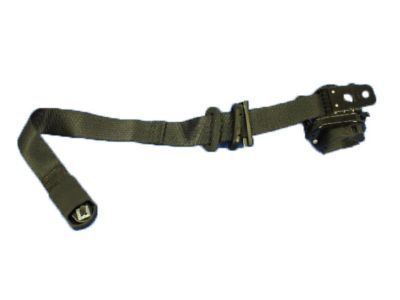
Dodge Journey Lap & Shoulder Belt, Black, Rear Passenger Side Part Number: 1AN061X9AF
$319.51 MSRP: $470.00You Save: $150.49 (33%)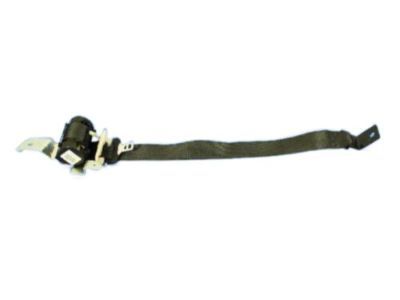
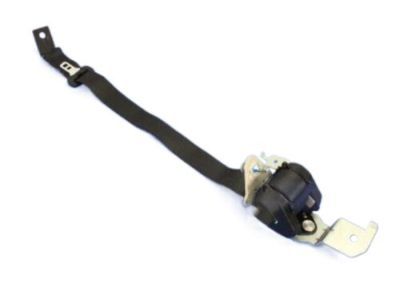
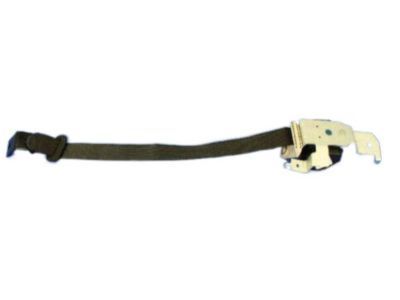
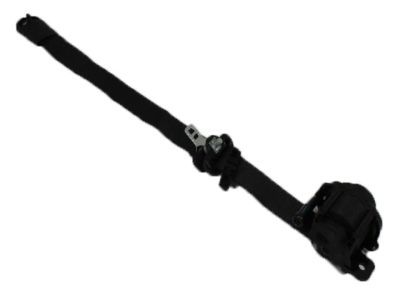
Dodge Journey Lap & Shoulder Belt, Black, Rear Driver Side Part Number: 1AN071X9AF
$319.51 MSRP: $470.00You Save: $150.49 (33%)Ships in 1-3 Business Days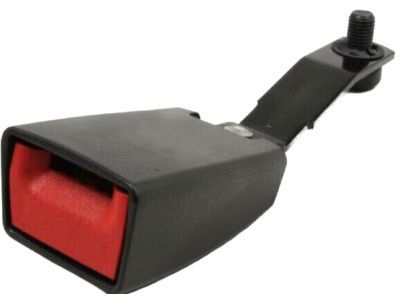
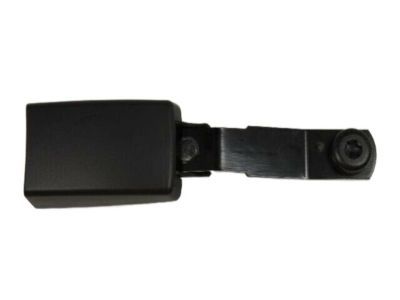
Dodge Journey Buckle End, Gray, Front Passenger Side Part Number: YS361DVAC
$89.29 MSRP: $114.00You Save: $24.71 (22%)Ships in 1-2 Business DaysDodge Journey Buckle End, Beige, Front Passenger Side Part Number: 1RM601XLAC
$256.02 MSRP: $454.00You Save: $197.98 (44%)Ships in 1-2 Business DaysDodge Journey Inner Buckle, Beige, Rear Center Part Number: 1AN361K7AA
$57.50 MSRP: $84.60You Save: $27.10 (33%)Ships in 1-3 Business DaysDodge Journey Inner Buckle, Gray, Rear Center Part Number: 1AN361X5AA
$61.81 MSRP: $90.95You Save: $29.14 (33%)Ships in 1-3 Business DaysDodge Journey Outer Buckle, Beige/Gray, Rear Center Driver Side Part Number: 1AN191X5AA
$62.65 MSRP: $92.20You Save: $29.55 (33%)Ships in 1-3 Business DaysDodge Journey Buckle End, Beige, Front Driver Side Part Number: 1AN171K7AB
$69.79 MSRP: $103.00You Save: $33.21 (33%)Ships in 1-3 Business DaysDodge Journey Outer Buckle, Beige, Rear Center Passenger Side Part Number: 1AN181XLAA
$72.68 MSRP: $107.00You Save: $34.32 (33%)Ships in 1-3 Business Days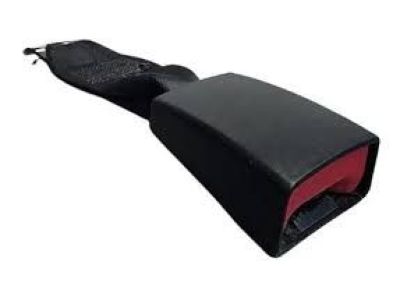
Dodge Journey Outer Buckle, Black, Rear Center Passenger Side Part Number: 1AN181X9AA
$90.53 MSRP: $134.00You Save: $43.47 (33%)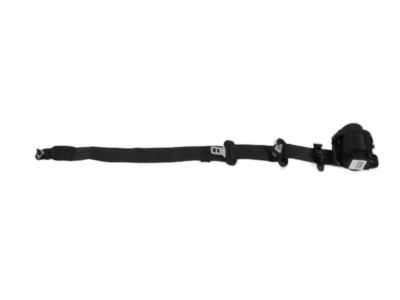
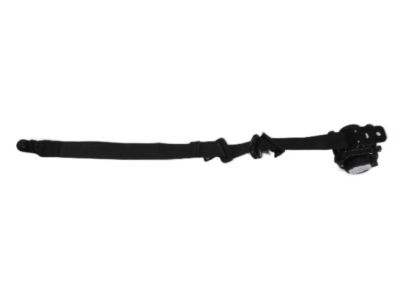
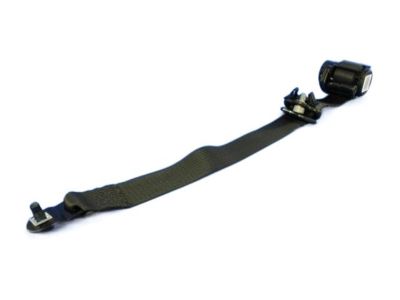
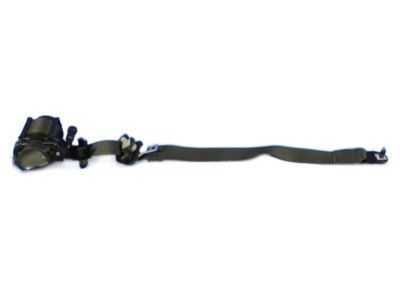
Dodge Journey Lap & Shoulder Belt, Black, Front Passenger Side Part Number: 1SV02DX9AH
$210.74 MSRP: $310.00You Save: $99.26 (33%)
| Page 1 of 4 |Next >
1-20 of 63 Results
Dodge Journey Seat Belt
Choose OEM Seat Belt that meet Dodge factory standards. Dodge designs and tests every component for precision and durability. Each Seat Belt follows strict manufacturing steps to lock in quality and fit. If your Dodge Journey matters to you, OEM parts make the smart choice. You'll get the exact look, feel, and performance you expect. Shop genuine Journey parts at the highly competitive prices online. Enjoy a manufacturer's warranty, a hassle-free return policy, and rapid delivery. No more guesswork with off brands. Get genuine parts with exact fit and true factory performance. Shop with confidence today at JeepPartsDeal.com.
Reliability as well as performance excellence shows through the crucial safety component of the Dodge Journey Seat Belt. The Dodge Journey Seat Belt contains four main elements of webbing along with a retractor while using buckle and tongue sections that can resist extreme forces when the vehicle undergoes collisions or sudden stops. The main safety system in the vehicle works together alongside airbags to keep occupants positioned correctly and reduces their chances of injuries significantly. As a device compatible with multiple Dodge Journey models it acts as a major element for optimizing both operational efficiency and vehicle safety in all environments. The popular three-row Dodge Journey features a strong Seat Belt system as one of its important safety features designed to protect passengers. The Journey's spacious and comfortable interior features designed for exceptional legroom which attracts numerous families to choose it. Among the special characteristics of the Dodge Journey Seat Belt stand reliability and durability which exceed industrial safety requirements in the automotive industry. Since its end of production in 2020 the Dodge car along with its Seat Belt remains a respected option for drivers because it combines safety with comfort and reasonable pricing. The the automaker model Seat Belt exemplifies the manufacturer's dedication to both safety and performance quality for vehicle passengers.
Dodge Journey Seat Belt Parts and Q&A
- Q:How to Properly Service and Repair a Third Row Seat Belt and Retractor on Dodge Journey?A:Inspect each component of the third row seat belt and retractor for proper installation or damage, replace any frayed, torn or cut parts and make sure the twisted belts are untangled. Fix any loose closures and get rid of any wrecked buckles, retractors, latch plates or anchor plates with brand new parts from the Chrysler Mopar catalog. Attach the third row seat belt to the inside of the D-pillar by inserting the keyed part of the upper retractor into its matching hole in the pillar. Place and tighten screw 6 into the lower retractor bracket, turning the socket wrench to 58 Nm (43 ft. lbs.). After that, install screw 4 into the upper retractor bracket and tighten it just a bit, to 10 Nm (7 ft. lbs.). Put the rear of the quarter trim panel back onto the lower D-pillar and attach the trim to the inside of the upper D-pillar. Ensure the looped seat belt sticking from the strap is inside the upper D-pillar so that the webbing is untwisted and attach it with screw 2, tightening it to 43 Nm (32 ft. lbs.). After covering the seat belt turning loop, slide the seat belt lower anchor to the bracket located on the rear floor panel to the seat back's outboard side. Next, fasten connectors 3 and 4 together with screw 2, tightening it to 90 Nm (66 ft. lbs.) after that and place the third row seat cushion and cover onto the rear floor panel.
- Q:How to Replace the Web Stop Button on a Second Row Center Seat Belt on Dodge Journey?A:A plastic web stop button helps to hold the latch plate in place on the center seat belt tip half, to stop it falling to the lower anchor when not needed. If you notice the button is missing or broken, just use the replacement kit that has two molded plastic halves to replace it: one is pointed and the other is smooth to accepting the spike. Button halves cannot be bought individually and both KD Tools #3358 and Snap-on #WWPR13A wheel weight pliers, as well as Mopar Bond-All Gel #04467709 adhesive glue, are necessary. Stick to wheel weight pliers that aren't too heavy, as some cannot be closed enough for the new weight. First, make sure no seat belt or part is torn or broken and swap out any that seem damaged. Also, be sure the latch plate is positioned above the mark where the web stop button will be. If you can't tell where the button used to be, measure and mark 4 inches from the lower anchor plate. On the inner side of the hammock, hammer the button of the male part through the webbing, so that the head is toward the center of the hammock. Lightly put some adhesive around the opening in the female half and press it down onto the spike in the male button half. Using one side of the wheel weight pliers, press down on the spike until it is level. Then, press on it again with the other side until it is beneath the female button. Be sure that your web stop button is secure at the end.
Related Dodge Journey Parts
 Dodge Journey Key Fob
 Dodge Journey Fuse Box
 Dodge Journey Airbag
 Dodge Journey Brake Light Switch
 Dodge Journey Horn
 Dodge Journey Window Motor
 Dodge Journey Windshield Washer Pump
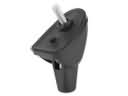 Dodge Journey Antenna Base
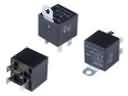 Dodge Journey Fuel Pump Relay
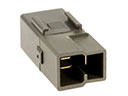 Dodge Journey Horn Relay
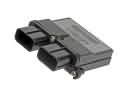 Dodge Journey Occupant Detection Sensor
 Dodge Journey Temperature Sender
Browse Dodge Journey Seat Belt by Years
2020
2019
2018
2017
2016
2015
2014
2013
2012
2011
2010
2009