JeepParts
My Garage
My Account
Cart
OEM 2008 Dodge Dakota Rack And Pinion
Steering Rack And Pinion- Select Vehicle by Model
- Select Vehicle by VIN
Select Vehicle by Model
orMake
Model
Year
Select Vehicle by VIN
For the most accurate results, select vehicle by your VIN (Vehicle Identification Number).
1 Rack And Pinion found
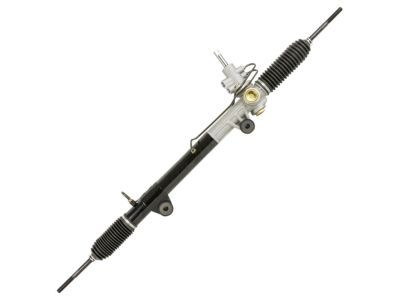
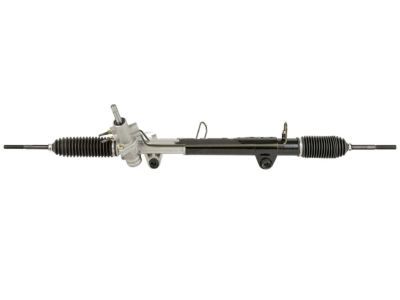
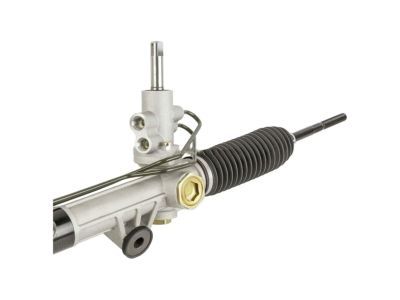
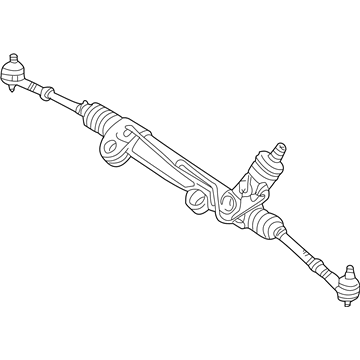
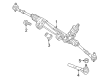
2008 Dodge Dakota Steering Gear Part Number: 52013466AM
Product Specifications- Other Name: Gear - Rack And Pinion; Rack and Pinion Assembly; Gear Assembly; Gear Rack And Pinion
- Replaces: 52013466AK, 52013466AL, 52013466AJ, 52013466AI
- Item Weight: 30.30 Pounds
- Item Dimensions: 67.2 x 10.2 x 8.8 inches
- Condition: New
- Fitment Type: Direct Replacement
- SKU: 52013466AM
- Warranty: This genuine part is guaranteed by Mopar's factory warranty.
2008 Dodge Dakota Rack And Pinion Parts and Q&A
- Q: How to Remove a Rack and Pinion Steering Gear on 2008 Dodge Dakota?A: Before removing the rack and pinion, empty as much power steering fluid as you can from the pump and knot the steering wheel. Start by raising and supporting the vehicle and afterward, take off the front tires. Following that, remove the nuts from the tie rod ends, then put Puller C3894-A in place to remove the tie rod ends from the knuckles. Take out the rack and pinion pinch bolt and lower steering coupling from the rack and pinion. Before turning the steering mechanism to maximum right, guard the last pair of hoses against dirt by covering them securely. Take the power steering lines off the rack and pinion and then undo both the bolts and nuts from the rack and pinion mount. Afterward, lift the rack and pinion forward to create more space, move it over to the right and let it down on the left to remove it.
Related 2008 Dodge Dakota Parts
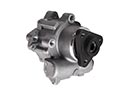 2008 Dodge Dakota Power Steering Pump
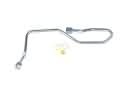 2008 Dodge Dakota Power Steering Hose
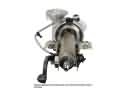 2008 Dodge Dakota Steering Column
 2008 Dodge Dakota Steering Shaft
 2008 Dodge Dakota Steering Wheel
 2008 Dodge Dakota Steering Gear Box
 2008 Dodge Dakota Drag Link
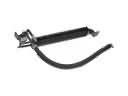 2008 Dodge Dakota Power Steering Cooler
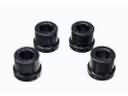 2008 Dodge Dakota Rack & Pinion Bushing
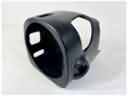 2008 Dodge Dakota Steering Column Cover
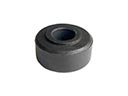 2008 Dodge Dakota Tie Rod Bushing