JeepParts
My Garage
My Account
Cart
OEM 2008 Dodge Caliber Trailing Arm
Trailing Control Arm- Select Vehicle by Model
- Select Vehicle by VIN
Select Vehicle by Model
orMake
Model
Year
Select Vehicle by VIN
For the most accurate results, select vehicle by your VIN (Vehicle Identification Number).
2 Trailing Arms found
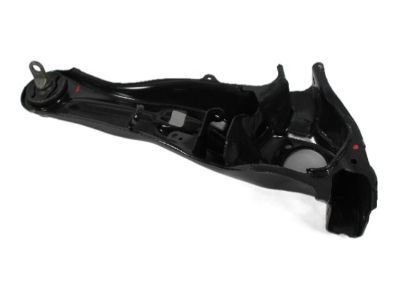
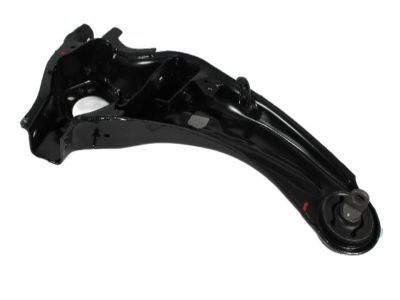
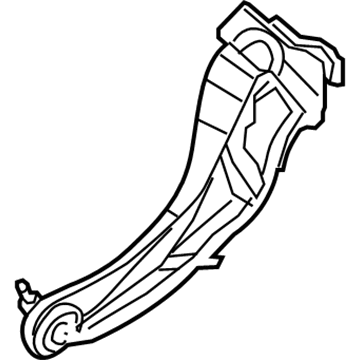
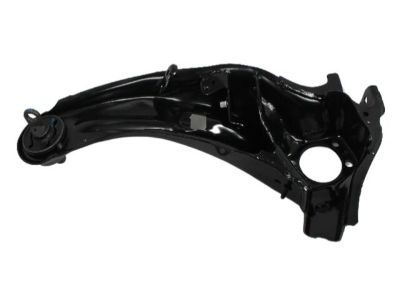
2008 Dodge Caliber Trailing Arm, Rear Passenger Side Part Number: 5105930AB
$162.02 MSRP: $239.00You Save: $76.98 (33%)Product Specifications- Other Name: Link - Trailing Arm; Suspension Trailing Arm, Rear Right; Link Trailing Rear Suspension; Link Trailing Arm; Link
- Position: Rear Passenger Side
- Replaces: 5105930AA, 5272714AD, 5272714AB, 5272714AC, 5272714AA
- Item Weight: 13.70 Pounds
- Item Dimensions: 6.7 x 11.2 x 26.3 inches
- Condition: New
- Fitment Type: Direct Replacement
- SKU: 5105930AB
- Warranty: This genuine part is guaranteed by Mopar's factory warranty.
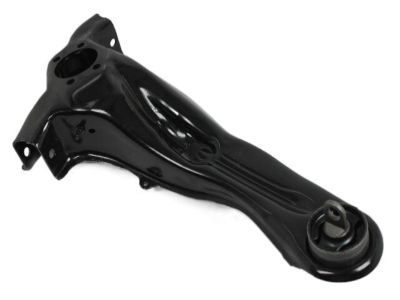
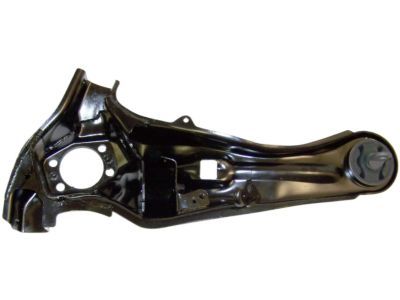
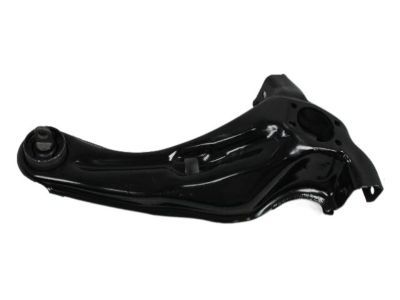
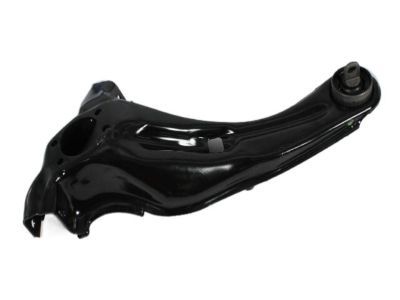
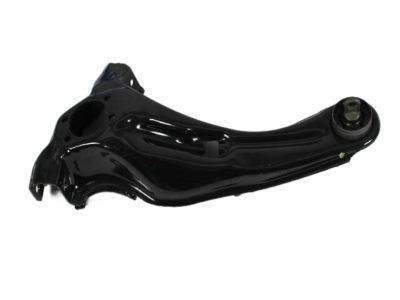
2008 Dodge Caliber Trailing Arm, Rear Driver Side Part Number: 5272715AD
$253.79 MSRP: $374.00You Save: $120.21 (33%)Ships in 1-2 Business DaysProduct Specifications- Other Name: Link - Trailing Arm; Suspension Trailing Arm, Rear Left; Link Trailing Rear Suspension; Link Trailing Arm; Link
- Position: Rear Driver Side
- Replaces: 5272715AA, 5272715AB, 5272715AC
- Item Weight: 13.20 Pounds
- Item Dimensions: 5.5 x 11.4 x 24.9 inches
- Condition: New
- Fitment Type: Direct Replacement
- SKU: 5272715AD
- Warranty: This genuine part is guaranteed by Mopar's factory warranty.
2008 Dodge Caliber Trailing Arm Parts and Q&A
- Q: How to Remove a Trailing Arm on 2008 Dodge Caliber?A: Before you take out the trailing arm, raise and support the vehicle. After that, unscrew the wheel mounting nuts and remove the tire and wheel together. Free the screw holding the brake flex hose in place on the trailing link and then remove the nut that holds the brake tube routing bracket to the trailing link. Take off the brake tube from the routing clip attached to the rear lower arm. After that, detach the two screws holding the DBC adapter to the brake support plate, then pull the whole assembly out from the brake area, ensuring it isn't stretched by the brake hose and tubing. When equipped, take out the screw on the wheel speed sensor's end and the routing clip that holds it to the trailing link. Subsequently, come out of the car, remove the brake rotor and replace the hub and bearing. Open the parking brake lever, grasp the cable and slide the hair pin off the brake support plate. Cut the brake support plate off the brake cable end and pull that cable away from the trailing link. After that, remove the bolt holding the toe link to the trailing link, as well as the nut and bolt attaching the lower control arm to the trailer link. After that, take out the nut and bolt that hold the upper control arm to the trailing link. After that, undo the two bolts that hold the leading end of the trailing link to the body and remove the trailing link.
Related 2008 Dodge Caliber Parts
 2008 Dodge Caliber Wheel Bearing
 2008 Dodge Caliber Control Arm
 2008 Dodge Caliber Shock Absorber
 2008 Dodge Caliber Sway Bar Link
 2008 Dodge Caliber Axle Beam Mount
 2008 Dodge Caliber Axle Pivot Bushing
 2008 Dodge Caliber Axle Support Bushings
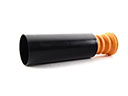 2008 Dodge Caliber Bump Stop
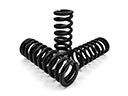 2008 Dodge Caliber Coil Springs
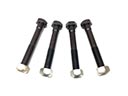 2008 Dodge Caliber Control Arm Bolt
 2008 Dodge Caliber Lateral Link
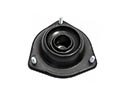 2008 Dodge Caliber Shock And Strut Mount