JeepParts
My Garage
My Account
Cart
OEM Dodge Ram 3500 Wheel Cover
Wheel Protector- Select Vehicle by Model
- Select Vehicle by VIN
Select Vehicle by Model
orMake
Model
Year
Select Vehicle by VIN
For the most accurate results, select vehicle by your VIN (Vehicle Identification Number).
16 Wheel Covers found
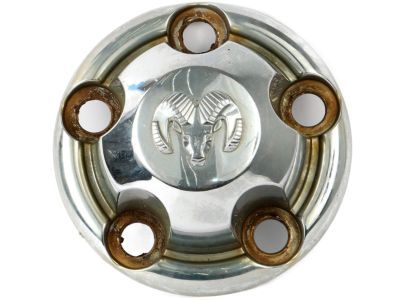
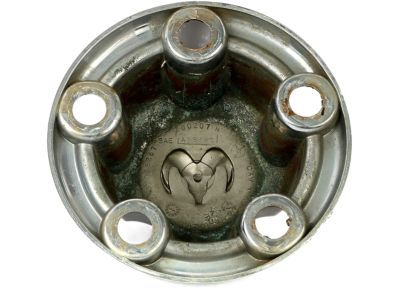
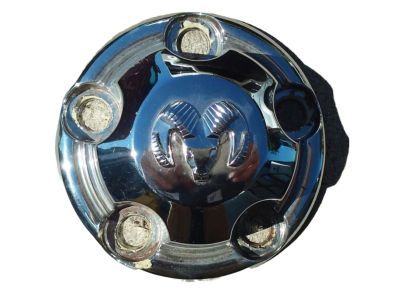
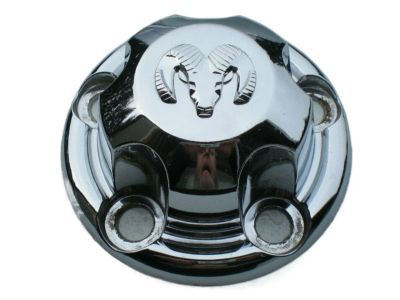
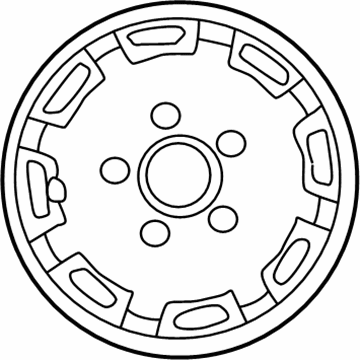
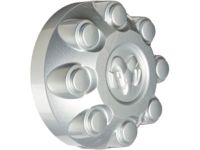
Dodge Ram 3500 Wheel Cover, Center Part Number: 52038267
$75.10 MSRP: $95.20You Save: $20.10 (22%)Ships in 1-2 Business Days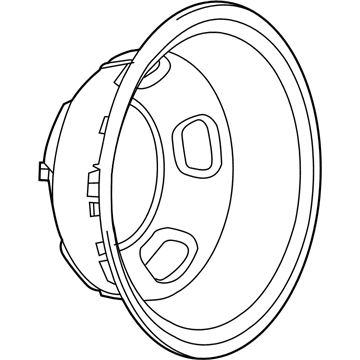
Dodge Ram 3500 Wheel Cover, Rear Part Number: 52106882AB
$339.24 MSRP: $513.00You Save: $173.76 (34%)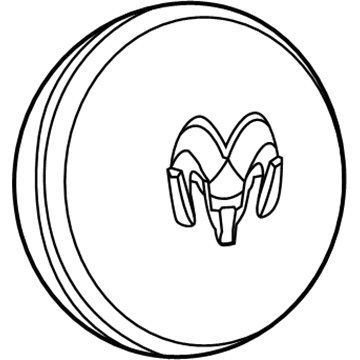
Dodge Ram 3500 Center Cap, Front Part Number: 1AB03S4AAC
$161.93 MSRP: $213.00You Save: $51.07 (24%)Ships in 1-2 Business Days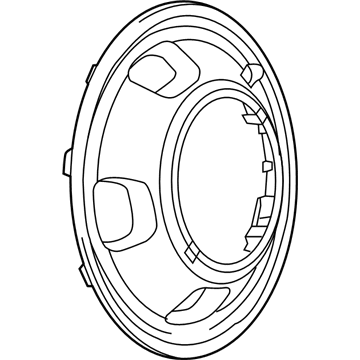
Dodge Ram 3500 Wheel Cover, Front Part Number: 52106937AC
$228.23 MSRP: $299.00You Save: $70.77 (24%)Ships in 1-2 Business DaysDodge Ram 3500 Center Cap, Rear Part Number: 1AB04S4AAD
$211.65 MSRP: $278.00You Save: $66.35 (24%)Ships in 1-2 Business Days
Dodge Ram 3500 Center Cap Part Number: 52038915
$107.75 MSRP: $136.59You Save: $28.84 (22%)Ships in 1-2 Business Days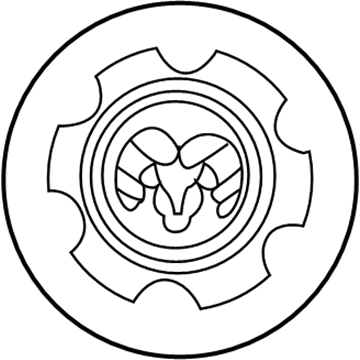
Dodge Ram 3500 Center Cap, Black Part Number: 5DK62DX9AC
$137.34 MSRP: $154.00You Save: $16.66 (11%)Ships in 1-2 Business Days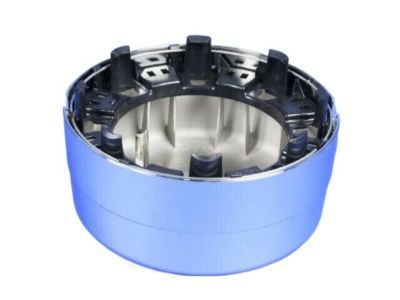
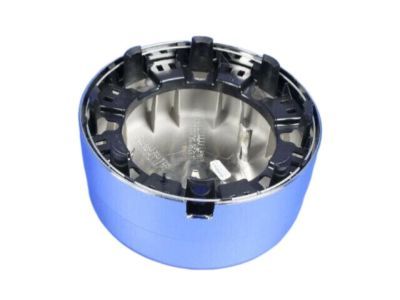
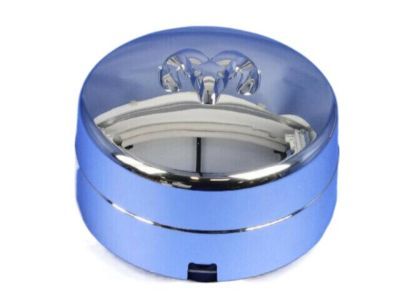
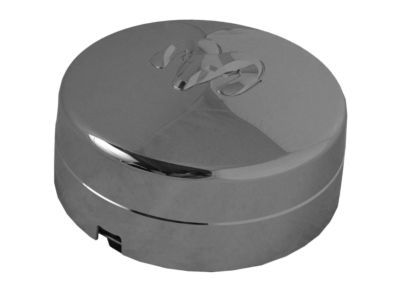
Dodge Ram 3500 Center Cap, Rear Part Number: 52106877AD
$380.14 MSRP: $555.00You Save: $174.86 (32%)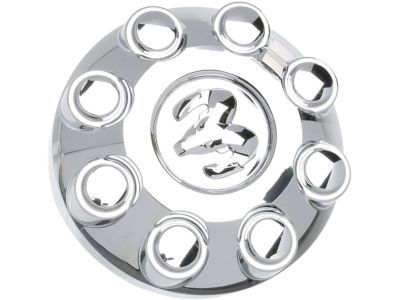
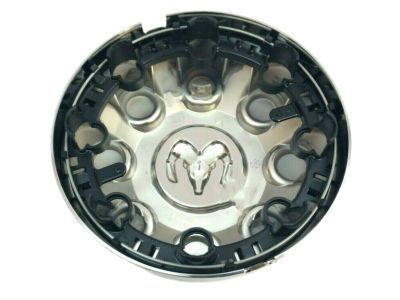
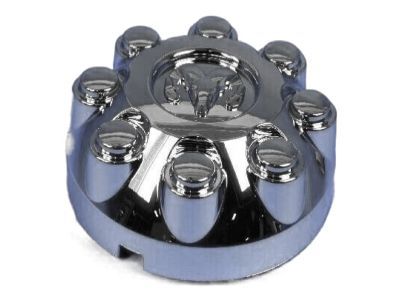
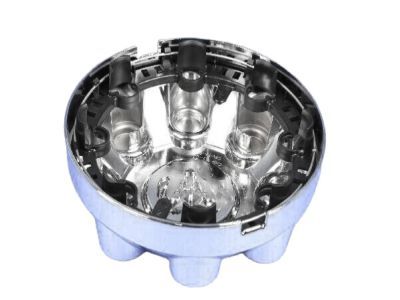
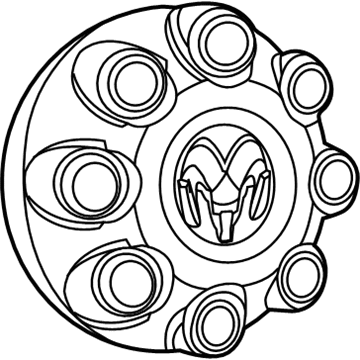
Dodge Ram 3500 Center Cap Part Number: 52121450AD
$131.43 MSRP: $194.00You Save: $62.57 (33%)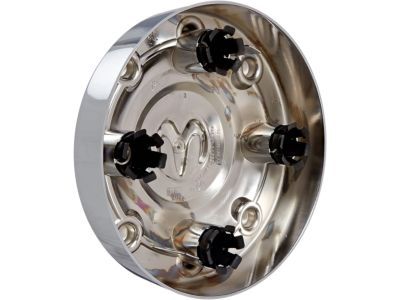
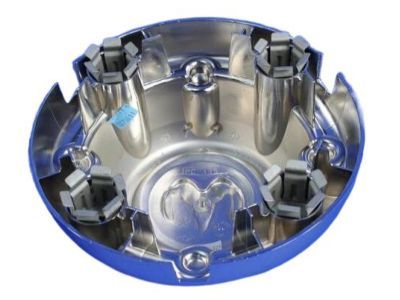
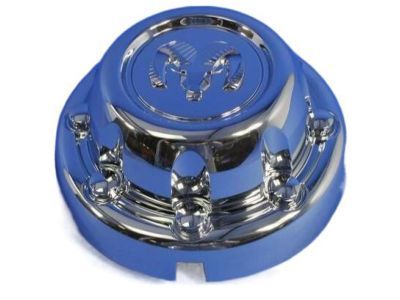
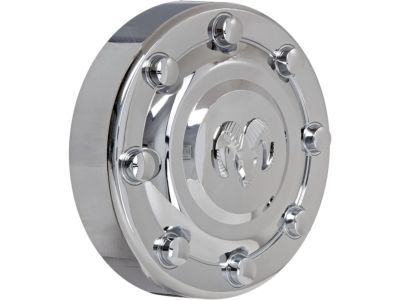
Dodge Ram 3500 Center Cap Part Number: 52106863AC
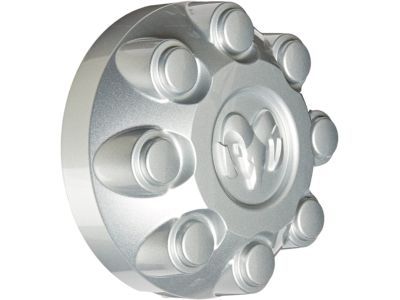
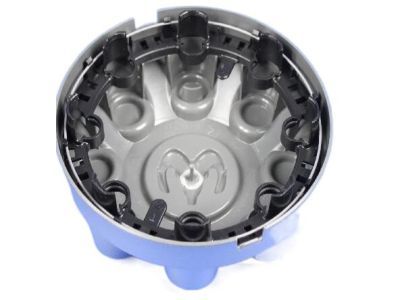
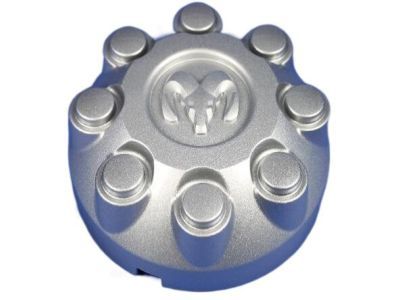
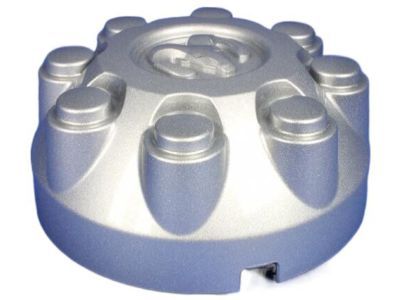
Dodge Ram 3500 Center Cap Part Number: XY18PAKAD
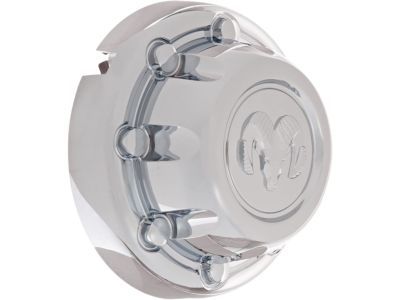
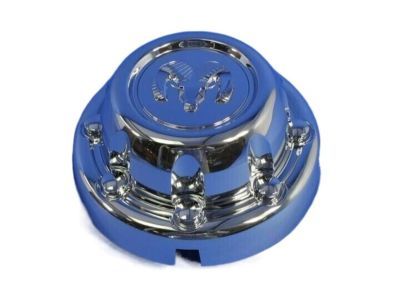
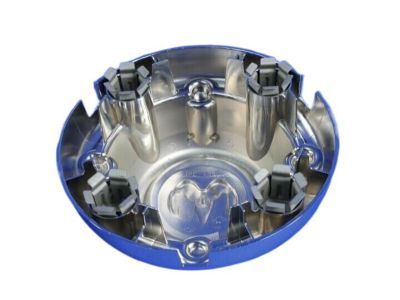
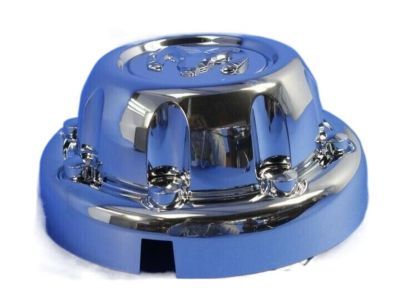
Dodge Ram 3500 Center Cap Part Number: 52106283AB
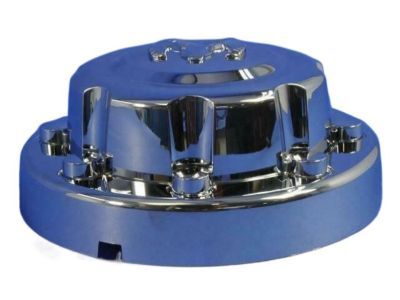
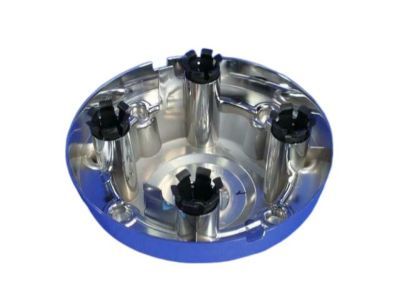
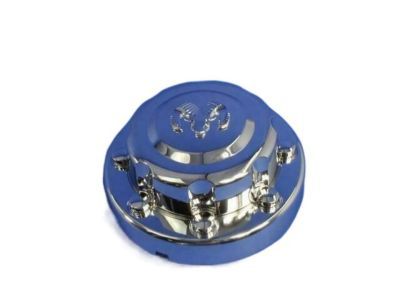
Dodge Ram 3500 Center Cap Part Number: 52106866AC
Dodge Ram 3500 Center Cap Part Number: 52106876AD
$132.56 MSRP: $195.00You Save: $62.44 (33%)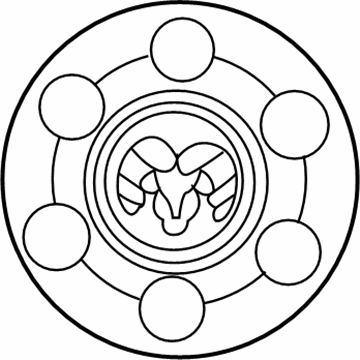
Dodge Ram 3500 Center Cap, Black Part Number: 5DK60PX9
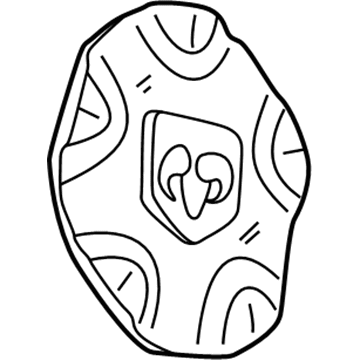
Dodge Ram 3500 Center Cap Part Number: 52013653AA
Dodge Ram 3500 Wheel Cover
Choose OEM Wheel Cover that meet Dodge factory standards. Dodge designs and tests every component for precision and durability. Each Wheel Cover follows strict manufacturing steps to lock in quality and fit. If your Dodge Ram 3500 matters to you, OEM parts make the smart choice. You'll get the exact look, feel, and performance you expect. Shop genuine Ram 3500 parts at the highly competitive prices online. Enjoy a manufacturer's warranty, a hassle-free return policy, and rapid delivery. No more guesswork with off brands. Get genuine parts with exact fit and true factory performance. Shop with confidence today at JeepPartsDeal.com.
Dodge Ram 3500 Wheel Cover Parts and Q&A
- Q:How to remove a wheel cover on Dodge Ram 3500?A:Before you attempt to remove the wheel cover, be sure the hub caps are taken off first. With the flat end of the tool inserted completely into the center of the disc, use small, repeated back and forth movements to prise off the wheel skin, rotating the tool gradually around the rim until the skin comes off. With 2500/3500 single rear wheel models, use the blade of the tool to gradually open the cap back and forth. If you have a model with dual rear wheels, start by taking out the hub caps using the tool. Place it in the rear hub cap's pry off notch and firmly pullout to separate the cap. Maintain both directions of spinning the wheel to keep its chrome from becoming damaged. Pull off the wheel skin after removing the hub cap, by pushing the flat end in at a right angle and moving it forward and backward. On the 3500 series, use the hub/cap remover/installer combo tool the same way to remove the front hub cap before you remove the wheel skins.
- Q:How to maintain a wheel cover on Dodge Ram 3500?A:Put one 1 1/2 in. valve stem extension on each rear inner wheel using a 3/8 in. drive 10mm deep wheel socket and extension that is at least 10 in. long. Use this combo to install the extension and replace the current cap. After that, fit one 1 in. extension onto the valve stem of each outer wheel. Match the spaces where air comes in on the wheel skin with those on the wheel, then attach one half of the retainer over the wheel side. Using the mallet, push against many points around the edge of the wheel skin until it's firmly in place and there is a uniform gap between the skin and the wheel. At the end, tug on the outer part of the hub/cap wheel to make sure everything is installed correctly.
Related Dodge Ram 3500 Parts
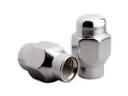 Dodge Ram 3500 Lug Nuts
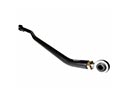 Dodge Ram 3500 Track Bar
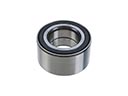 Dodge Ram 3500 Wheel Bearing
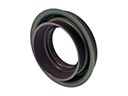 Dodge Ram 3500 Axle Shaft Seal
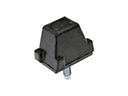 Dodge Ram 3500 Control Arm Bumper
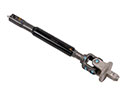 Dodge Ram 3500 Intermediate Shaft
 Dodge Ram 3500 Shock Absorber
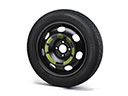 Dodge Ram 3500 Spare Wheel
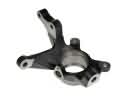 Dodge Ram 3500 Steering Knuckle
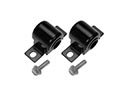 Dodge Ram 3500 Sway Bar Bushing
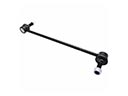 Dodge Ram 3500 Sway Bar Link
 Dodge Ram 3500 Sway Bar Link Bushing