JeepParts
My Garage
My Account
Cart
OEM 2007 Jeep Commander Steering Knuckle
Front Steering Knuckle- Select Vehicle by Model
- Select Vehicle by VIN
Select Vehicle by Model
orMake
Model
Year
Select Vehicle by VIN
For the most accurate results, select vehicle by your VIN (Vehicle Identification Number).
2 Steering Knuckles found
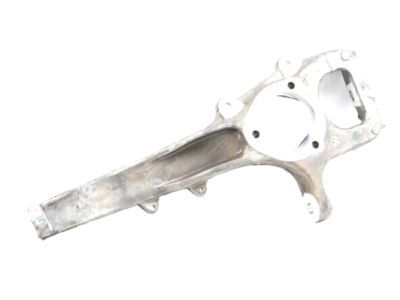
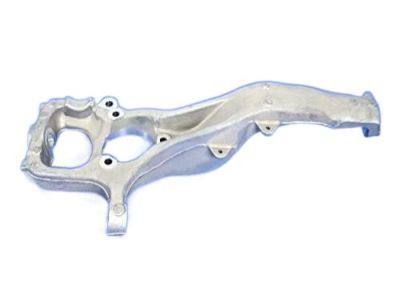
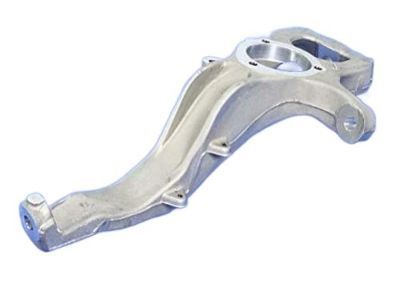
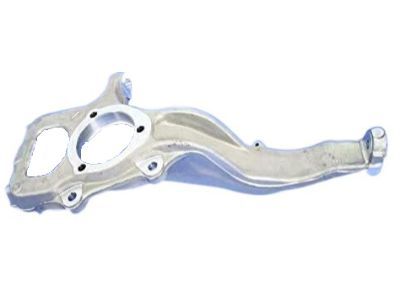
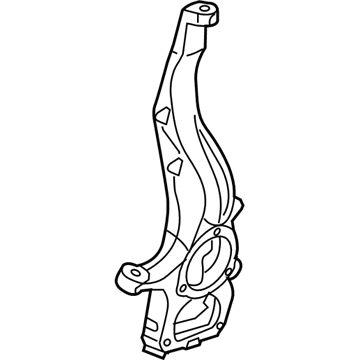
2007 Jeep Commander Knuckle, Front Driver Side Part Number: 52090179AD
$370.18 MSRP: $559.00You Save: $188.82 (34%)Ships in 1-2 Business DaysProduct Specifications- Other Name: Knuckle - Front; Steering Knuckle, Front Left; Knuckle Front
- Position: Front Driver Side
- Replaces: 52090179AC
- Item Weight: 13.20 Pounds
- Item Dimensions: 25.3 x 11.4 x 5.2 inches
- Condition: New
- Fitment Type: Direct Replacement
- SKU: 52090179AD
- Warranty: This genuine part is guaranteed by Mopar's factory warranty.
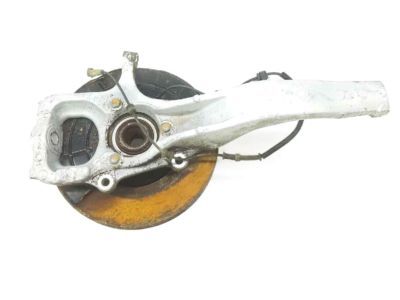
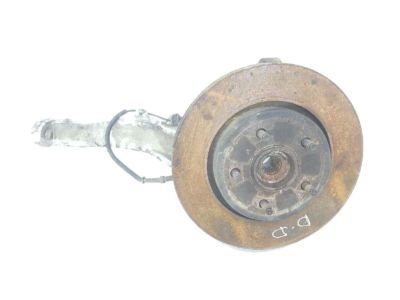
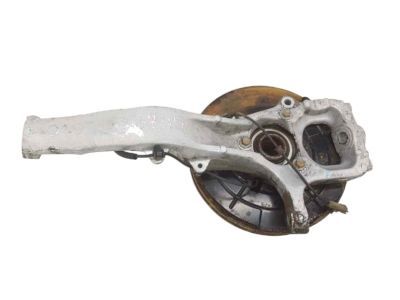
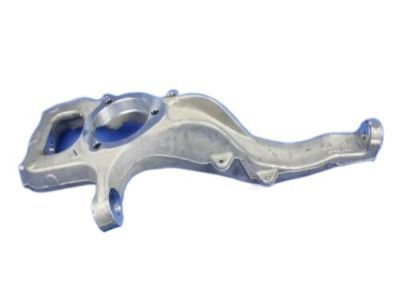 Product Specifications
- Other Name: Knuckle - Front; Steering Knuckle, Front Right; Knuckle Front
- Position: Front Passenger Side
- Replaces: 52090180AC
- Item Weight: 12.60 Pounds
- Item Dimensions: 24.1 x 11.1 x 5.1 inches
- Condition: New
- Fitment Type: Direct Replacement
- SKU: 52090180AD
- Warranty: This genuine part is guaranteed by Mopar's factory warranty.
2007 Jeep Commander Steering Knuckle Parts and Q&A
- Q: How to Service and Repair a Steering Knuckle on 2007 Jeep Commander?A: Before working on the steering knuckle, raise and support the vehicle and then take off the tire and wheel assembly. Don't let the disc brake caliper hang from the brake hose; instead, mount it securely with a support device. Next, take out the brake caliper (1) and caliper adapter (1), toss away the O-ring (2) and detach the disc brake rotor (1). Loosen bolt (2) to disconnect the wheel speed sensor from the vehicle and detach all wires from the retaining clips on the knuckle. Remove the axle shaft nut if the equipment is four-wheel drive. Take the hub/bearing off (3) and then use the special tool 8677(5) to remove and separate the outer tie rod end (3) from the steering knuckle after removing the outer tie rod end retaining nut. Take out the lowered ball joint nut and split the lower ball joint off of the knuckle by using tool C-4150A (2). Later, remove the upper ball joint nut and take out the upper ball joint from the knuckle using tool 8677. Take off the knuckle (3) at the last step.
Related 2007 Jeep Commander Parts
 2007 Jeep Commander Ball Joint
 2007 Jeep Commander Control Arm
 2007 Jeep Commander Sway Bar Link
 2007 Jeep Commander Wheel Hub
 2007 Jeep Commander Coil Springs
 2007 Jeep Commander Bump Stop
 2007 Jeep Commander Coil Spring Insulator
 2007 Jeep Commander Control Arm Bolt
 2007 Jeep Commander Shock Absorber
 2007 Jeep Commander Shock And Strut Mount
 2007 Jeep Commander Sway Bar Bracket
 2007 Jeep Commander Sway Bar Kit