JeepParts
My Garage
My Account
Cart
OEM 2007 Jeep Liberty Steering Shaft
Steering Stem Shaft- Select Vehicle by Model
- Select Vehicle by VIN
Select Vehicle by Model
orMake
Model
Year
Select Vehicle by VIN
For the most accurate results, select vehicle by your VIN (Vehicle Identification Number).
1 Steering Shaft found
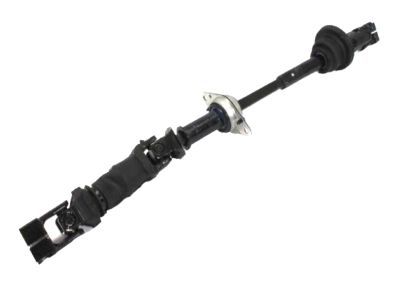
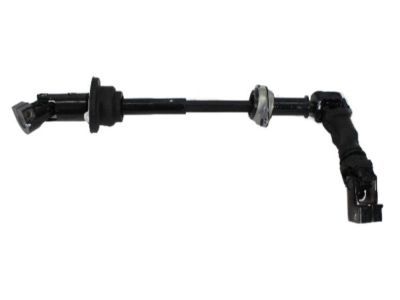
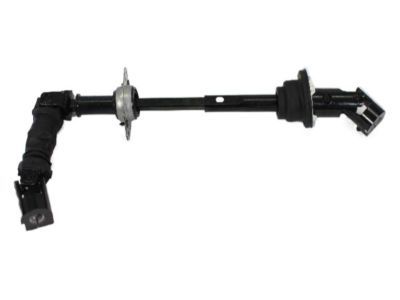
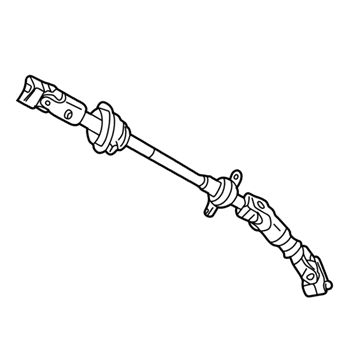
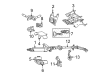
2007 Jeep Liberty Intermediate Shaft Part Number: 55315022AG
Product Specifications- Other Name: Shaft - Intermediate; Steering Shaft; Intermed Shaft; Shaft Intermediate
- Replaces: 55315022AC, 55315022AD, 55315022AF, 55315022AE
- Item Weight: 6.20 Pounds
- Item Dimensions: 35.7 x 10.3 x 6.2 inches
- Condition: New
- Fitment Type: Direct Replacement
- SKU: 55315022AG
- Warranty: This genuine part is guaranteed by Mopar's factory warranty.
2007 Jeep Liberty Steering Shaft Parts and Q&A
- Q: How to Maintain and Fix a Steering Shaft on 2007 Jeep Liberty?A: Before servicing or repairing the steering shaft, take out the negative battery cable. After that, take out the knee blocker cover and the knee blocker. Because automatic transmission vehicles do not have an internal shaft for the ignition key, the steering wheel must be locked by other means when the key is taken out. After locking the steering wheel, take out bolt 4 of the lower column pinch and pull the steering coupler 3 shaft from the column. Push the four tangs on the shaft seal one by one to unlock it and take it out of the panel. Take off the center support bearing bracket, separated from the shock tower mount. Next, remove bolt 4 from the lower portion of the steering gear and pull out the coupler 3. After that, take away intermediate shaft 2 from the vehicle and remove the center support bracket off of the steering shaft, if replacing the intermediate shaft.
Related 2007 Jeep Liberty Parts
 2007 Jeep Liberty Power Steering Pump
 2007 Jeep Liberty Power Steering Hose
 2007 Jeep Liberty Steering Column
 2007 Jeep Liberty Steering Wheel
 2007 Jeep Liberty Drag Link
 2007 Jeep Liberty Power Steering Cooler
 2007 Jeep Liberty Steering Column Cover
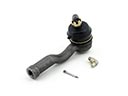 2007 Jeep Liberty Tie Rod End