JeepParts
My Garage
My Account
Cart
OEM 2008 Jeep Liberty Camshaft
Cam- Select Vehicle by Model
- Select Vehicle by VIN
Select Vehicle by Model
orMake
Model
Year
Select Vehicle by VIN
For the most accurate results, select vehicle by your VIN (Vehicle Identification Number).
2 Camshafts found
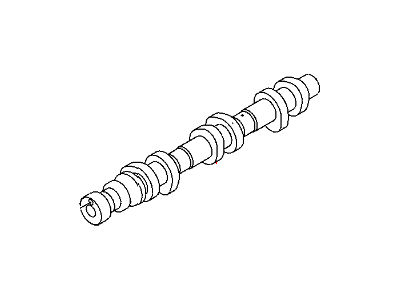
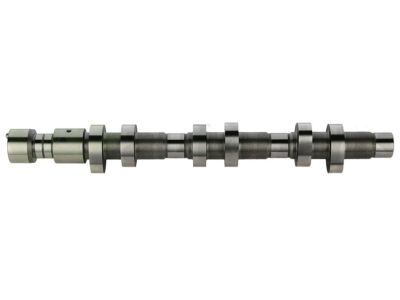
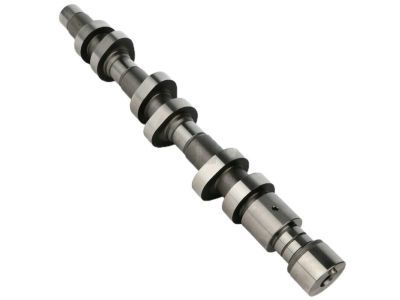
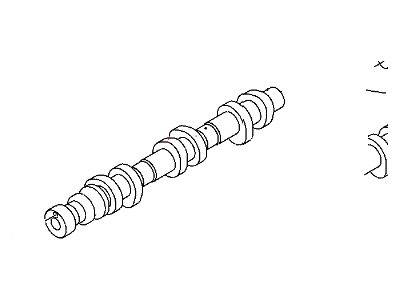
2008 Jeep Liberty Camshaft Part Number: 53021893AC
$586.76 MSRP: $894.00You Save: $307.24 (35%)Ships in 1-2 Business DaysProduct Specifications- Other Name: Camshaft - Engine; Camshaft Engine Left
- Replaces: 53021893AA, 53021893AB
- Item Weight: 5.00 Pounds
- Item Dimensions: 4.1 x 3.5 x 18.6 inches
- Condition: New
- Fitment Type: Direct Replacement
- SKU: 53021893AC
- Warranty: This genuine part is guaranteed by Mopar's factory warranty.
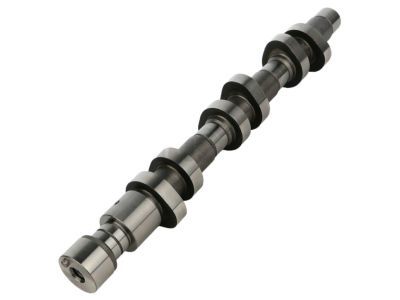
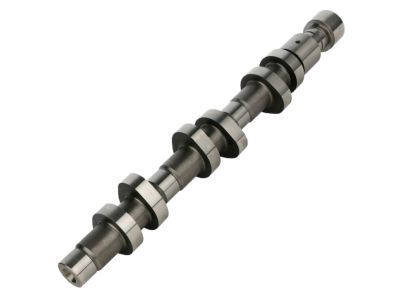
2008 Jeep Liberty Camshaft Part Number: 53021892AC
$425.94 MSRP: $626.00You Save: $200.06 (32%)Product Specifications- Other Name: Camshaft - Engine; Camshaft Engine Right
- Replaces: 53021892AB, 53021892AA
- Item Weight: 5.20 Pounds
- Item Dimensions: 19.3 x 3.6 x 4.0 inches
- Condition: New
- Fitment Type: Direct Replacement
- SKU: 53021892AC
- Warranty: This genuine part is guaranteed by Mopar's factory warranty.
2008 Jeep Liberty Camshaft Parts and Q&A
- Q: How Is the Left Camshaft Installed on 2008 Jeep Liberty?A: For installing the left camshaft, first make sure the journals of the camshaft are covered in oil and arrange the camshaft so the dowel of its sprocket is close to 1 o'clock, since it's easiest to install the bearing caps with the camshaft at neutral. Pull the camshaft into place in the cylinder head and securely insert the bearing caps. Hand tighten the bolts and make sure the markings from the caps are aligned from front to rear and the arrows all point frontward. Turn both retaining bolts 1/2 turn at a time, starting with the middle bolt and proceeding outward, to bring their tightness to 11 Nm (100 in. lbs.). Place the camshaft drive gear on the timing chain and bring the V6 mark between the two marked chain links. Move the camshaft using the Camshaft Holder 8428 until the dowel from the camshaft's sprocket is in line with the slot on the sprocket. Then, fit the sprocket onto the camshaft. Make sure to get rid of any access oil from the camshaft sprocket bolt to stop the bolt from shearing off and seal it in with a hand twist. After removing Wedge Locking Tool 8379, insert adapter pins 8346 into Spanner Wrench 6958 and tighten the camshaft sprocket retaining bolt to 122 Nm (90 ft. lbs.). In the last step, place the cylinder head cover onto the engine.
Related 2008 Jeep Liberty Parts
 2008 Jeep Liberty Oil Filter
 2008 Jeep Liberty Intake Valve
 2008 Jeep Liberty Oil Pan
 2008 Jeep Liberty Timing Chain Tensioner
 2008 Jeep Liberty Transmission Mount
 2008 Jeep Liberty Rod Bearing
 2008 Jeep Liberty Crankshaft
 2008 Jeep Liberty Crankshaft Seal
 2008 Jeep Liberty Lash Adjuster
 2008 Jeep Liberty Oil Filler Cap
 2008 Jeep Liberty Timing Cover
 2008 Jeep Liberty Timing Cover Gasket