JeepParts
My Garage
My Account
Cart
OEM 2005 Dodge Durango Camshaft
Cam- Select Vehicle by Model
- Select Vehicle by VIN
Select Vehicle by Model
orMake
Model
Year
Select Vehicle by VIN
For the most accurate results, select vehicle by your VIN (Vehicle Identification Number).
3 Camshafts found
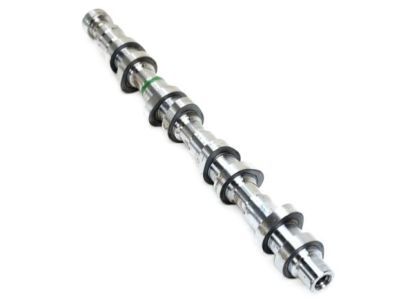
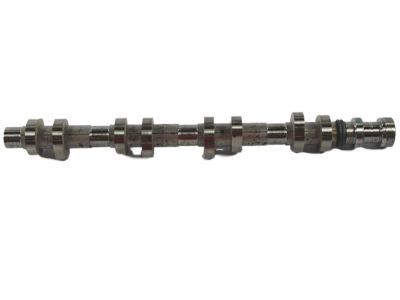
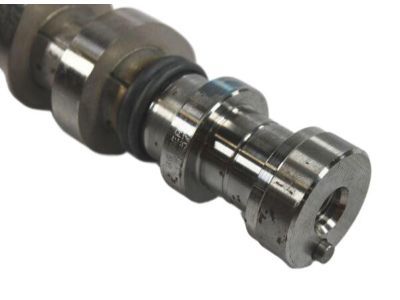
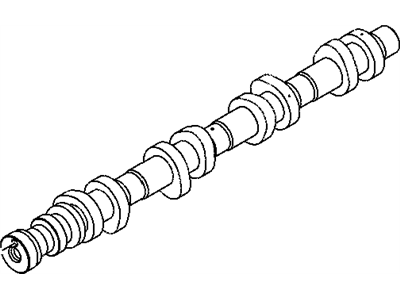
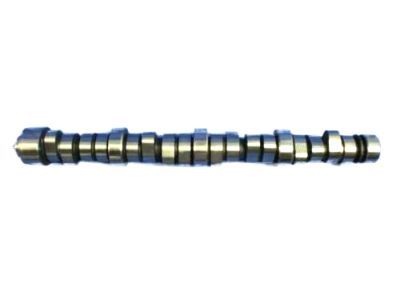
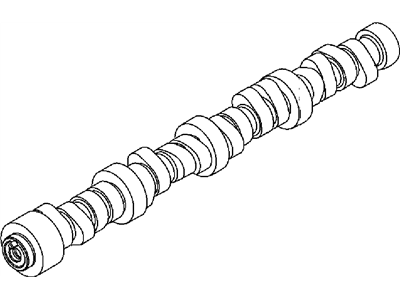
2005 Dodge Durango Camshaft Part Number: 53021159AE
$815.24 MSRP: $1190.00You Save: $374.76 (32%)Ships in 1-2 Business DaysProduct Specifications- Other Name: Camshaft - Engine; Camshaft Engine Left
- Replaced by: 53021159AG
- Item Weight: 5.30 Pounds
- Item Dimensions: 9.1 x 2.0 x 2.0 inches
- Condition: New
- Fitment Type: Direct Replacement
- SKU: 53021159AE
- Warranty: This genuine part is guaranteed by Mopar's factory warranty.
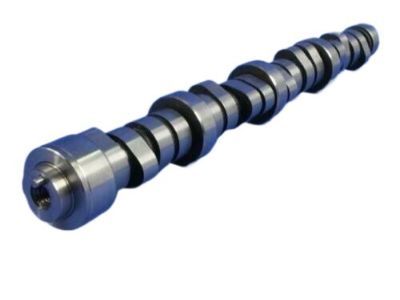
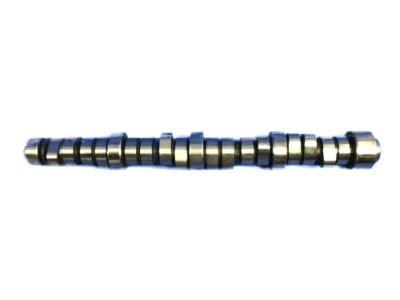
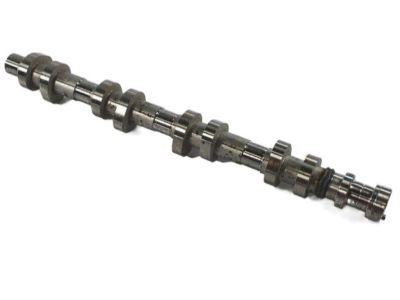
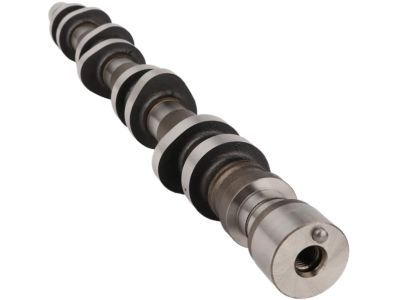
2005 Dodge Durango Camshaft Part Number: 53022064AA
$396.17 MSRP: $582.00You Save: $185.83 (32%)Product Specifications- Other Name: Camshaft - Engine; Camshaft Engine
- Replaces: 53021730BA, 53021730AC
- Item Weight: 13.80 Pounds
- Item Dimensions: 21.8 x 4.1 x 5.9 inches
- Condition: New
- Fitment Type: Direct Replacement
- SKU: 53022064AA
- Warranty: This genuine part is guaranteed by Mopar's factory warranty.
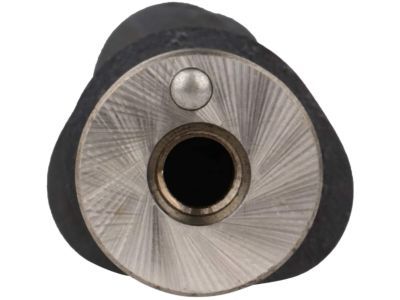
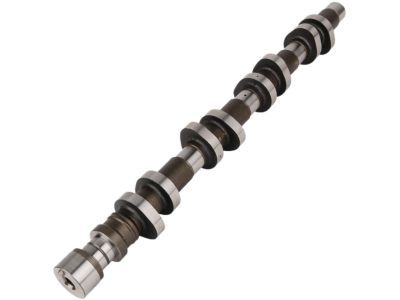
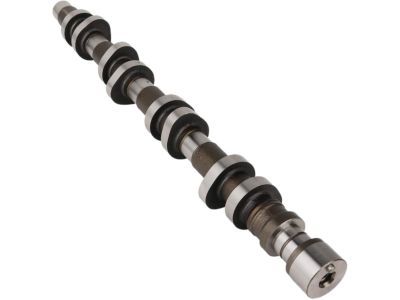
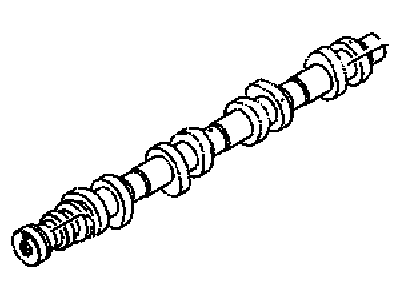
2005 Dodge Durango Camshaft Part Number: 53021160AE
Product Specifications- Other Name: Camshaft - Engine; Camshaft Engine Right
- Replaces: 53021160AD
- Item Weight: 5.70 Pounds
- Item Dimensions: 21.0 x 5.2 x 3.1 inches
- Condition: New
- Fitment Type: Direct Replacement
- SKU: 53021160AE
- Warranty: This genuine part is guaranteed by Mopar's factory warranty.
2005 Dodge Durango Camshaft Parts and Q&A
- Q: How to Remove the Left Camshaft on 2005 Dodge Durango?A: Make certain that the timing chain is not rotated independently of the other shafts, so the chain doesn't damage your valves or pistons. When taking out the cam sprocket, timing chains or camshaft, use Special Tool 8379 so you do not accidentally damage the tensioner ratchet and have to remove the timing chain cover to set it again. Open the cylinder head cover and put the engine at TDC on cylinder No. 1, bringing the camshaft sprocket V6 marks to a vertical line at 12 o'clock. Put one mark on the secondary chain for each bank so you know where to put the chain after installation. Avoid touching or pressing on the camshaft target wheel to avoid harming it. Just loosen the camshaft sprocket bolt slightly to ensure the timing chain tensioners can't come loose. Raise Special Tool 8379 from its packaging, slide it between the timing chain and hit it to lock the chain in place against the tensioner arm and guide. Don't forget to use Special Tool 8428 to have something to hold the camshaft. To get the camshaft into the neutral position, turn it counterclockwise 5° and release the bolts slowly from the camshaft bearing cap until there is no load left. Place markers on the rocker arms and afterward, remove the camshaft bearing caps and the camshaft. Before installation, smear clean engine oil onto the camshaft journal and set the sprocket dowel for the left side camshaft at the 1 o'clock position so it is easier to fit. Make sure the camshaft is inside the cylinder head, install the bearing cap retaining bolts in order from front to back and handle the middle cap last, tightening it in 1/2 turn steps. Apply 11 Nm (100 inch lbs.) to all the retaining bolts, line up the camshaft drive gear with the marked chain links and spin the camshaft until the dowel lines up with the gap in the sprocket with Tool 8428. After installing the sprocket, take away any extra grease or oil from the bolt so you don't over-torque it and merely tighten the bolt by hand. Take out the timing chain wedge and attach Special Tool 6958 with pins 8346 to turn the retaining bolt for the camshaft sprocket to 122 Nm (90 ft. lbs.). Afterward, add the cylinder head cover back in place.
Related 2005 Dodge Durango Parts
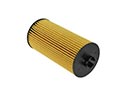 2005 Dodge Durango Oil Filter
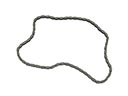 2005 Dodge Durango Timing Chain
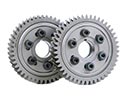 2005 Dodge Durango Cam Gear
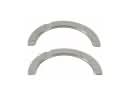 2005 Dodge Durango Crankshaft Thrust Washer Set
 2005 Dodge Durango Exhaust Valve
 2005 Dodge Durango Harmonic Balancer
 2005 Dodge Durango Intake Valve
 2005 Dodge Durango Piston Ring Set
 2005 Dodge Durango Pushrod
 2005 Dodge Durango Timing Cover Gasket
 2005 Dodge Durango Transmission Mount
 2005 Dodge Durango Valve Stem Seal