JeepParts
My Garage
My Account
Cart
OEM 2004 Dodge Durango Dimmer Switch
Light Dimmer Switch- Select Vehicle by Model
- Select Vehicle by VIN
Select Vehicle by Model
orMake
Model
Year
Select Vehicle by VIN
For the most accurate results, select vehicle by your VIN (Vehicle Identification Number).
1 Dimmer Switch found
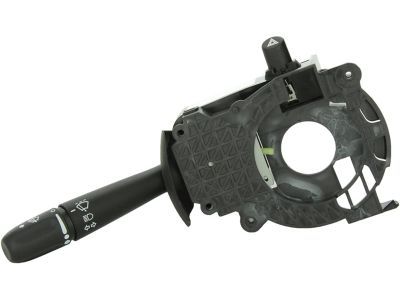
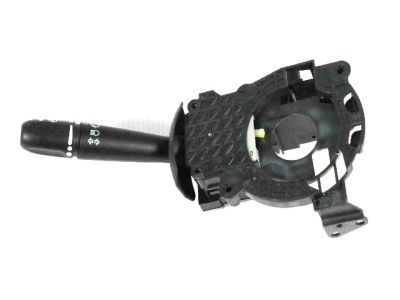
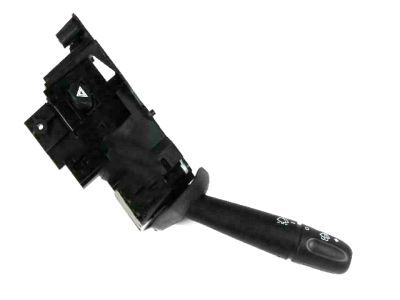
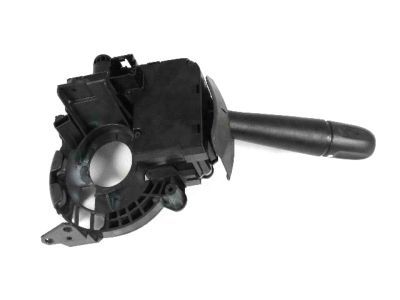
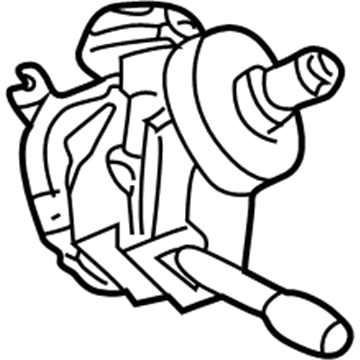
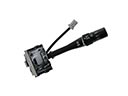
2004 Dodge Durango Turn Signal Switch Part Number: 56049823AB
Product Specifications- Other Name: Switch - Multifunction; Turn Signal & Combination Lever; Steering Column Switch; Air Bag Clockspring.; Multifunction Switch; Switch Housing; Ignition Housing; Clockspring; Switch Multifunction
- Replaces: 56045515AA, 56049823AA, 56045165AB
- Item Weight: 1.00 Pounds
- Item Dimensions: 4.0 x 5.6 x 11.2 inches
- Condition: New
- Fitment Type: Direct Replacement
- SKU: 56049823AB
- Warranty: This genuine part is guaranteed by Mopar's factory warranty.
2004 Dodge Durango Dimmer Switch Parts and Q&A
- Q: How to Service a Dimmer Switch on 2004 Dodge Durango?A: To start maintenance on the combination switch, detach the battery negative cable and give the system capacitor at least two minutes to discharge safety. Pull the driver air bag clear of the steering wheel and then unplug all the wire harness connectors from the upper Clock Spring connector receptacles. Check that the screws holding the steering wheel puller are in place firmly and securely, so you do no damage to the Clock Spring, then remove the steering wheel. Hold the knob tightly on the tilt steering column and pull it smoothly behind to get it away from the tilt adjuster lever. Beneath the steering column, take out the two outboard screws connecting the upper shroud to the lower one, then slowly press in toward the center from both sides of the upper shroud to free the clip. Pull out the top shroud, next remove the lower shroud screw from the steering column and finally take off the lower shroud. Unplug the wire harness connector from the switch at the back and remove the two screws from the housing. Push the switch control stalk to the left inside the vehicle to take out the switch. Installing the multi-function switch involves opening the housing, sliding it in from the left with the pins positioned and tightening both screws to 2 Nm (20 in. lbs.). Reconnect the wire harness, secure the switch connector to the rack at the back, add the lower shroud to the steering column and secure it with the center screw at 2 Nm (20 in. lbs.). Set the upper shroud on the lower shroud, use the lever of the gearshift gap hider to engage it, line up the snap areas and use your hands to snap them in place. Screw the two upper shroud outboard screws into the lower shroud to 2 Nm (20 in. lbs.) and then line up the tilt steering column knob with the tilt adjuster lever, clicking it back into its place. First, position the yellow rubber booted engagement dowel onto the steering wheel armature hub on the internal Clock Spring rotor, then install the steering wheel and link back up the wire connectors before exiting the dash cover. After that, connect the air bag driver to the steering wheel and attach the battery negative wire.
Related 2004 Dodge Durango Parts
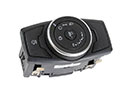 2004 Dodge Durango Headlight Switch
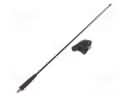 2004 Dodge Durango Antenna
 2004 Dodge Durango Brake Light Switch
 2004 Dodge Durango Ignition Switch
 2004 Dodge Durango Air Bag Control Module
 2004 Dodge Durango Air Bag Sensor
 2004 Dodge Durango Clock Spring
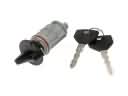 2004 Dodge Durango Ignition Lock Assembly
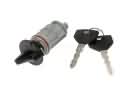 2004 Dodge Durango Ignition Lock Cylinder
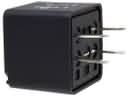 2004 Dodge Durango Relay
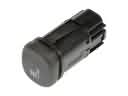 2004 Dodge Durango Seat Heater Switch
 2004 Dodge Durango Wiper Switch