JeepParts
My Garage
My Account
Cart
OEM 2007 Chrysler Pacifica Brake Light Switch
Brake Lamp Switch- Select Vehicle by Model
- Select Vehicle by VIN
Select Vehicle by Model
orMake
Model
Year
Select Vehicle by VIN
For the most accurate results, select vehicle by your VIN (Vehicle Identification Number).
2 Brake Light Switches found
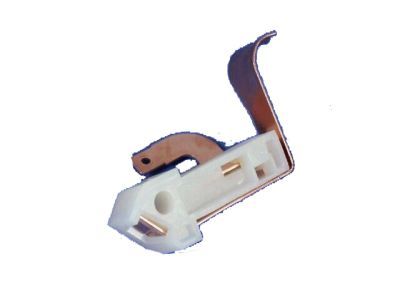
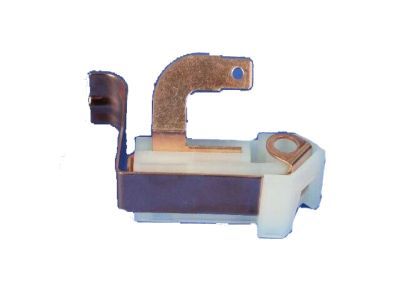
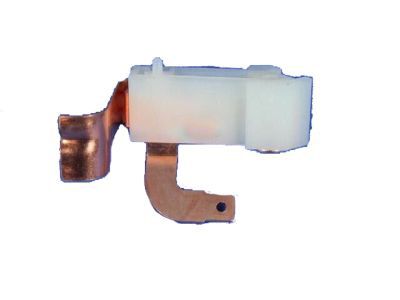
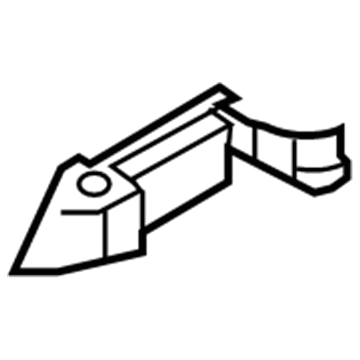
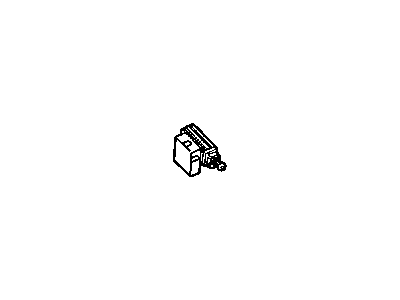
2007 Chrysler Pacifica Parking Brake Switch, Black Part Number: 4221463
$18.50 MSRP: $27.20You Save: $8.70 (32%)Ships in 1-2 Business DaysProduct Specifications- Other Name: Switch - Parking Brake; Electronic Parking Brake Control Switch; Parking Brake Warning Switch; Seat Adjuster, W/Bezel, Black Buttons, Woodgrain, W/Memory Opening.
- Item Weight: 0.40 Pounds
- Item Dimensions: 1.5 x 1.6 x 2.6 inches
- Condition: New
- Fitment Type: Direct Replacement
- SKU: 4221463
- Warranty: This genuine part is guaranteed by Mopar's factory warranty.
 Product Specifications
- Other Name: SW PKG-STOP LAMP
- SKU: 5083344AB
- Warranty: This genuine part is guaranteed by Mopar's factory warranty.
2007 Chrysler Pacifica Brake Light Switch Parts and Q&A
- Q: How to Properly Install a Brake Light Switch on 2007 Chrysler Pacifica?A: Don't replace the old brake lamp switch, since it can only be adjusted once during initial installation. If the existing switch is removed or not set properly, you should put in a brand new switch. Link the switch and the wiring connector first and then hook the locking tab. Align the index tab on the switch with the bracket's slot as you fit the switch in its mount. When the switch is fully in, turn it counterclockwise by about 30°. When your brake pedal is released all the way, simply use your hand to move the lever on the switch back from the angled non-adjusted option to the fully vertical position to set the switch for your vehicle. Secure the battery negative to its position and press the brake to make sure that the stop lights go out after releasing the pedal. During your final drive, take the opportunity to check that the brakes, including ABS and the speed control, work correctly.
Related 2007 Chrysler Pacifica Parts
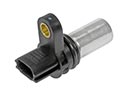 2007 Chrysler Pacifica Camshaft Position Sensor
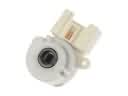 2007 Chrysler Pacifica Ignition Switch
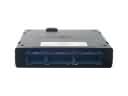 2007 Chrysler Pacifica Body Control Module
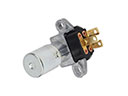 2007 Chrysler Pacifica Dimmer Switch
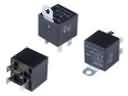 2007 Chrysler Pacifica Fuel Pump Relay
 2007 Chrysler Pacifica Headlight Switch
 2007 Chrysler Pacifica Ignition Lock Assembly
 2007 Chrysler Pacifica Ignition Lock Cylinder
 2007 Chrysler Pacifica MAP Sensor
 2007 Chrysler Pacifica Parking Assist Distance Sensor
 2007 Chrysler Pacifica Washer Pump
 2007 Chrysler Pacifica Wiper Switch