JeepParts
My Garage
My Account
Cart
OEM 2008 Dodge Viper Brake Pad
Disc Brake Pad Set- Select Vehicle by Model
- Select Vehicle by VIN
Select Vehicle by Model
orMake
Model
Year
Select Vehicle by VIN
For the most accurate results, select vehicle by your VIN (Vehicle Identification Number).
2 Brake Pads found
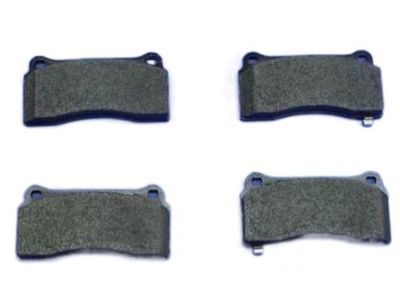
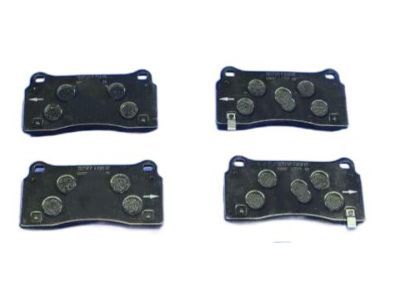
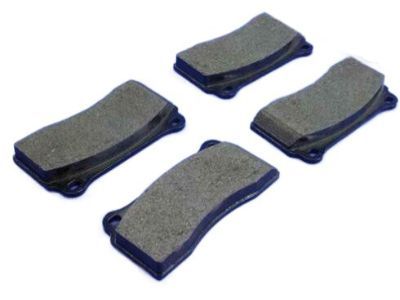
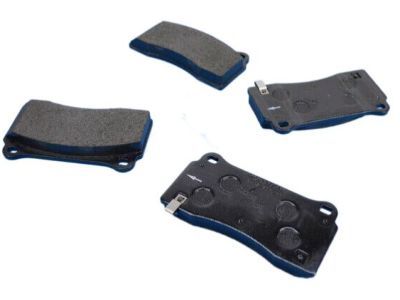
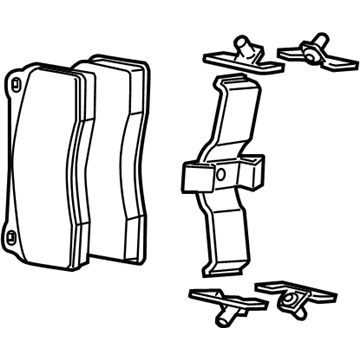
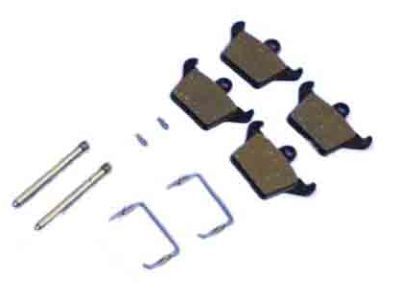
2008 Dodge Viper Brake Pads, Rear Part Number: 5093291AB
$243.60 MSRP: $301.00You Save: $57.40 (20%)Product Specifications- Other Name: Pad - Disc Brake; Disc Brake Pad Set, Front, Rear; Disc Brake Hardware Kit; Rear Pads; Front Pads; Pad Kit Disc Brake; Disc Brake Pad Set
- Position: Rear
- Replaces: 5093291AA
- Item Weight: 5.00 Pounds
- Item Dimensions: 5.3 x 4.9 x 4.9 inches
- Condition: New
- Fitment Type: Direct Replacement
- SKU: 5093291AB
- Warranty: This genuine part is guaranteed by Mopar's factory warranty.
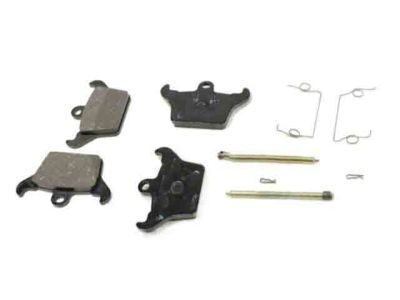
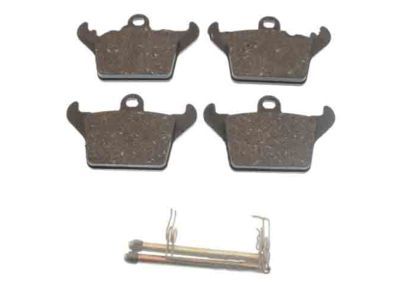
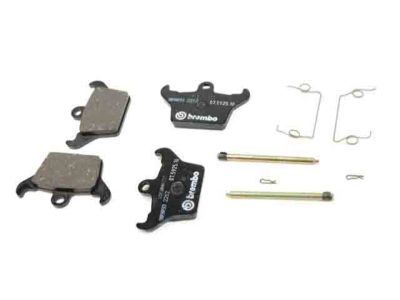
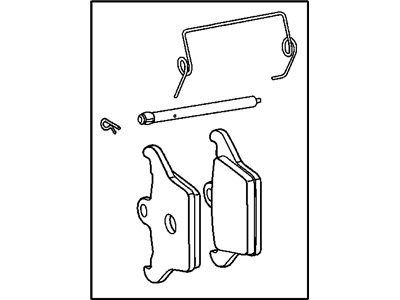
2008 Dodge Viper Rear Pads Part Number: 5093307AA
$134.83 MSRP: $170.00You Save: $35.17 (21%)Product Specifications- Other Name: Pad - Disc Brake; Disc Brake Pad Set, Rear; Disc Brake Hardware Kit; Brake Pads; Pads; Pad Kit Disc Brake
- Position: Rear
- Item Weight: 1.80 Pounds
- Item Dimensions: 3.9 x 3.3 x 3.7 inches
- Condition: New
- Fitment Type: Direct Replacement
- SKU: 5093307AA
- Warranty: This genuine part is guaranteed by Mopar's factory warranty.
2008 Dodge Viper Brake Pad Parts and Q&A
- Q: How to Install a Brake Pad for Your Parking Brake on 2008 Dodge Viper?A: Your first step is to take out the brake pads when installing new parking brake pads. If the caliper piston is not completely inside its bore, insert the double-pin end of Piston Retractor 6366 at the top of the piston, rotated in a clockwise direction to push it all the way in. Following, place the parking brake pads in the caliper, seeing that the inboard and outboard pads are the same. Slide the anti-rattle spring into position and then put retaining pin 1 through both the spring and the two holes in the pads. Go on to use the drift punch until the end of the retaining pin is firmly in the caliper's outer side and then place hair pin 3 in the slot at the end of the brake pads retaining pin. Place parking brake caliper 3 onto knuckle 1 and join it with mounting bolts. Tighten upper bolt 5 to 32 Nm (24 ft. lbs.) and lower bolt 4 to 52 Nm (38 ft. lbs.). After that, fit the wheel and tire, first attaching the tire then the wheel nut, finally tightening the wheel's mounting nuts up to 135 Nm (100 ft. lbs.). Bring the vehicle down, shift the parking brake, push it all the way and then remove everything blocking the tires and wheels.
Related 2008 Dodge Viper Parts
 2008 Dodge Viper ABS Control Module
 2008 Dodge Viper Brake Booster
 2008 Dodge Viper Brake Caliper
 2008 Dodge Viper Brake Caliper Piston
 2008 Dodge Viper Brake Disc
 2008 Dodge Viper Brake Fluid Level Sensor
 2008 Dodge Viper Brake Line
 2008 Dodge Viper Brake Master Cylinder
 2008 Dodge Viper Hydraulic Hose
 2008 Dodge Viper Parking Brake Cable
 2008 Dodge Viper Speed Sensor
 2008 Dodge Viper Wheel Stud